4. LG Network Storage Web Menu Use (for LG
Network Storage administrators)
103
Service
Network Server
Access to the LG Network Storage through FTP/FTPs or AFP is congured with this
function.
* For router use, the router settings need to be changed. Please refer to port forwarding of
DMZ settings in the router’s manual.
FTP
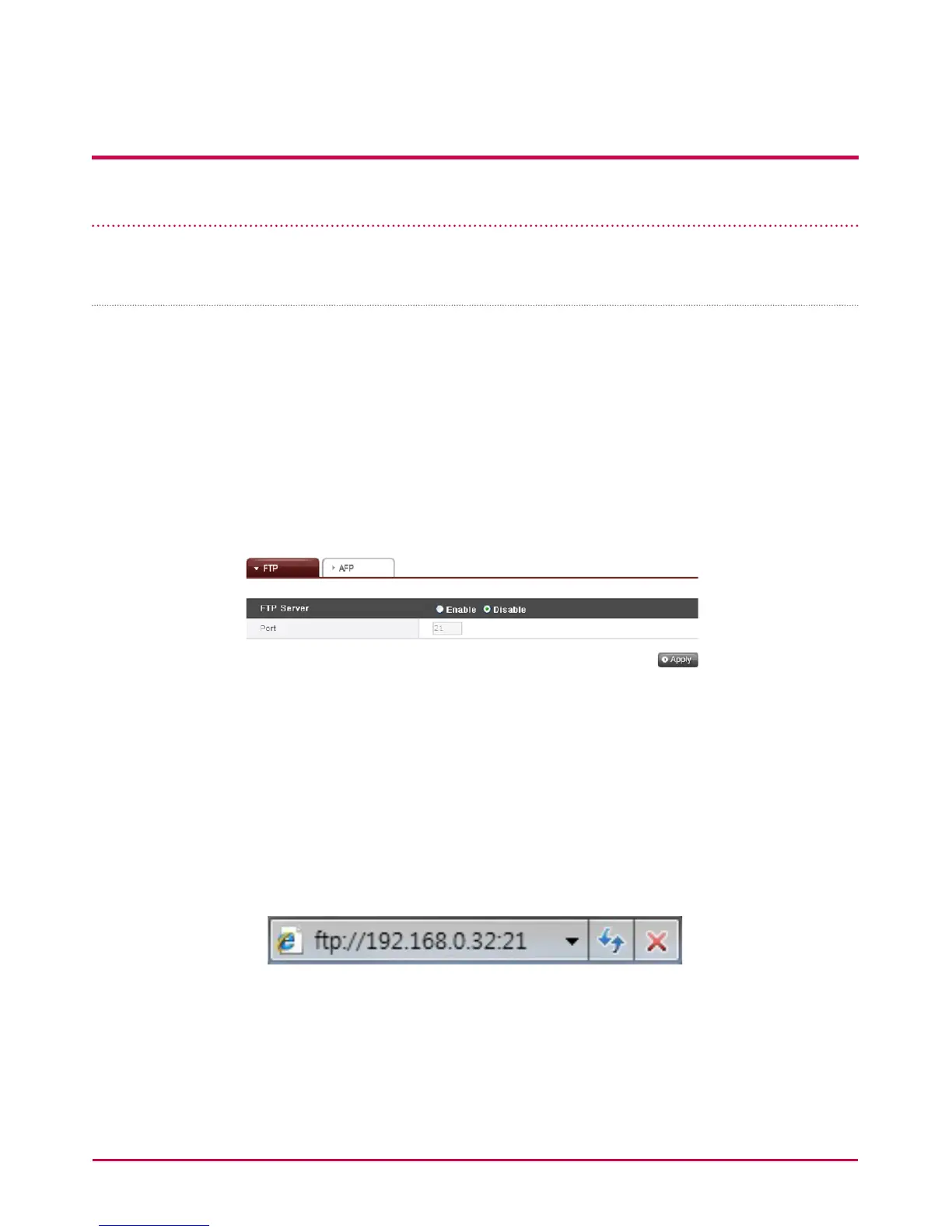
An FTP oers a handy environment when accessing LG Network Storage on the Internet.
The use of FTP service can be established through “Enable”. The Windows image is
explained here. The method below is applicable to other OSs.
1 Use the FTP connection program, or open explorer and input the address ftp://
[address]:[port number]. If the IP address is unknown, refer to <PC Application
Program Usage> or <LG Network Storage Information Conrmation>. Port
number may be changed to a number determined by the user. The default FTP port
number is 21. To use the default value (21), user may log on without inputting the port
number.
* Using the DDNS service oered by LG Network Storage will log on to ftp:// myname.
lgnas.com:port number. For more details, please refer to system remote control
<DDNS>.
* To use the default port value 21, user may log on without inputting the port number
through [ftp://IP address or ftp://myname.lgnas.com].



 To Next Page