3. LCD panel and front button usage
37
IP Setup
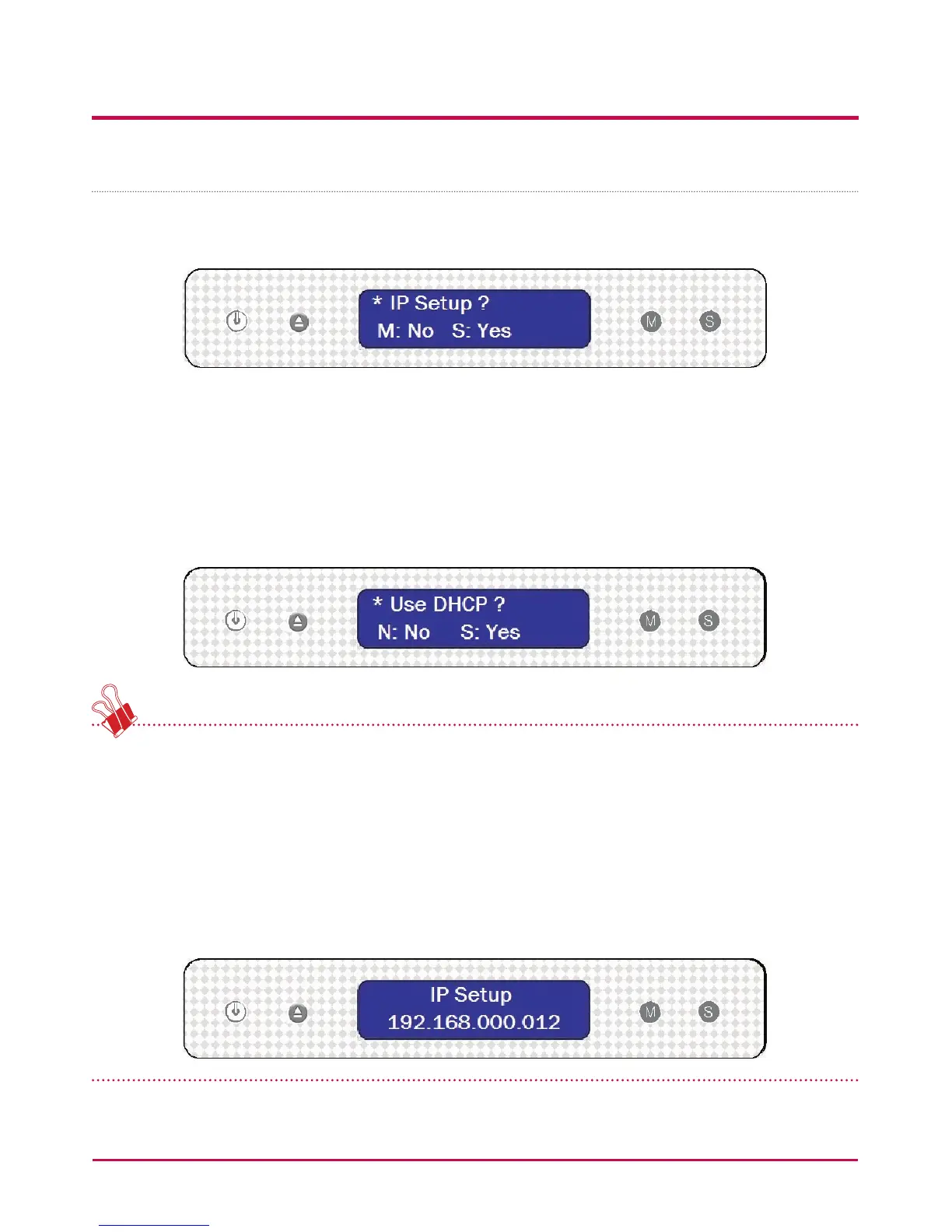
1 The rst time the “MODE” button is pressed will present the following display for the IP
set up mode.
2 The IP address set up can begin by pressing the “SET” button.
3 By pushing the “MODE” button, the IP address can be created manually, along with
default network settings, where by pressing the “SET” button, and hence the display
showing “Use DHCP?”, the IP address and network settings will be automatically set
up.
It is recommended that the IP address of the LG NETWORK STORAGE is set up manually
to avoid future clashes with other IP address connected to the same network. Using the
DHCP set up, the last IP address digit will be either a D (Dynamic), for automatic set up, or
an S (Static), for manual set up.
There are 3 steps in the manual set up of IP and network information:IP Setup -> Subnet
Mask Setup -> Gateway Setup. By pressing the “MODE” button, the selected digit will be
enlargened. By pressing the “SET” button, the cursor moves to the right. By pressing the
”DISC OPEN” button, the cursor moves to the left. In this way digits can be changed.



 To Next Page