4. LG Network Storage Web Menu Use (for LG
Network Storage administrators)
75
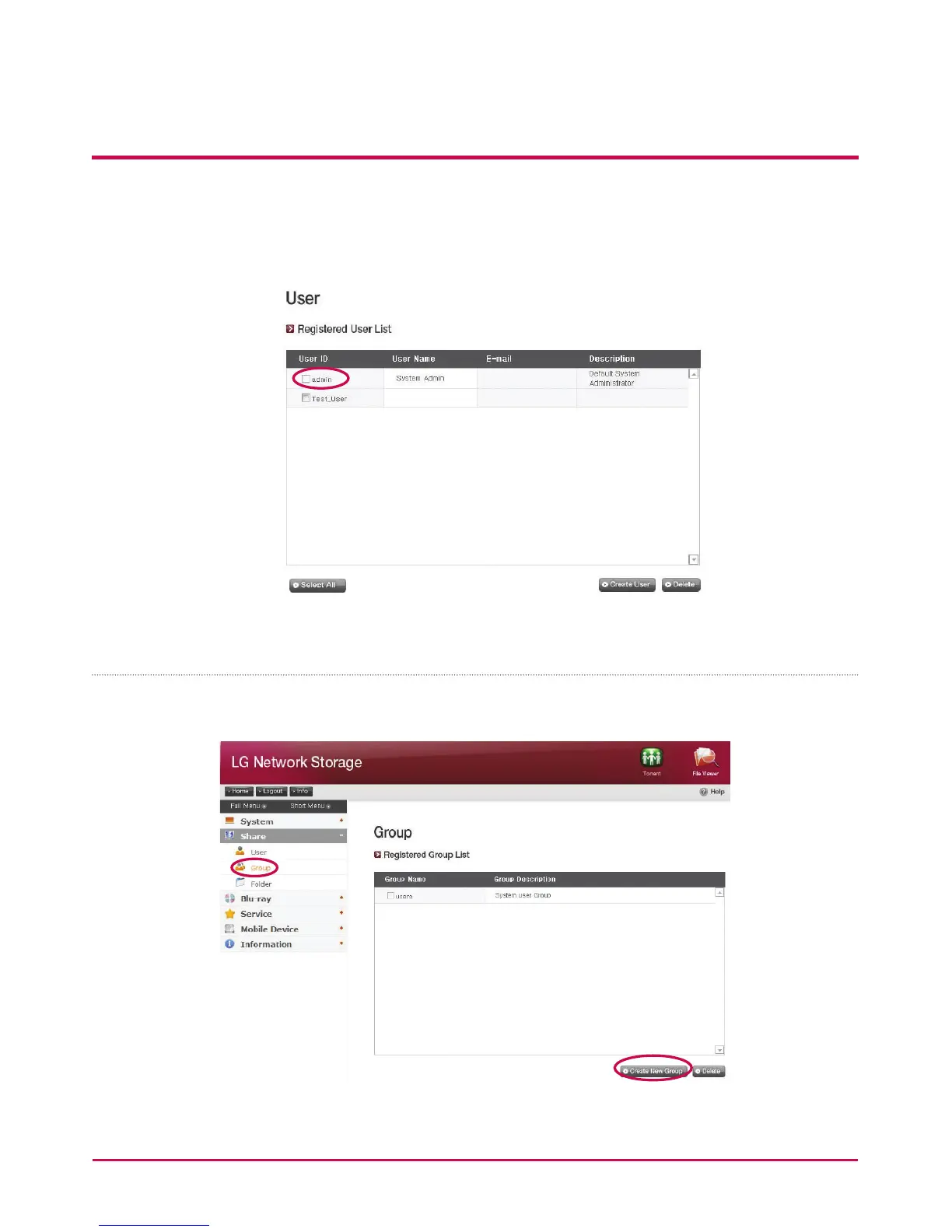
[Edit User]
Entering editing mode by clicking on the user name in the registered user list, with
the exception of the ID, all user information can be altered.
Group
Current registered groups are displayed. Groups can be created and deleted, as well as the
addition or removal of users in registered groups.



 To Next Page