4. LG Network Storage Web Menu Use (for LG
Network Storage administrators)
151
-Zipped File
Select a zip le on the screen in the left to browse the le list in the zip le.
You can unzip the portion of the zip le you select.
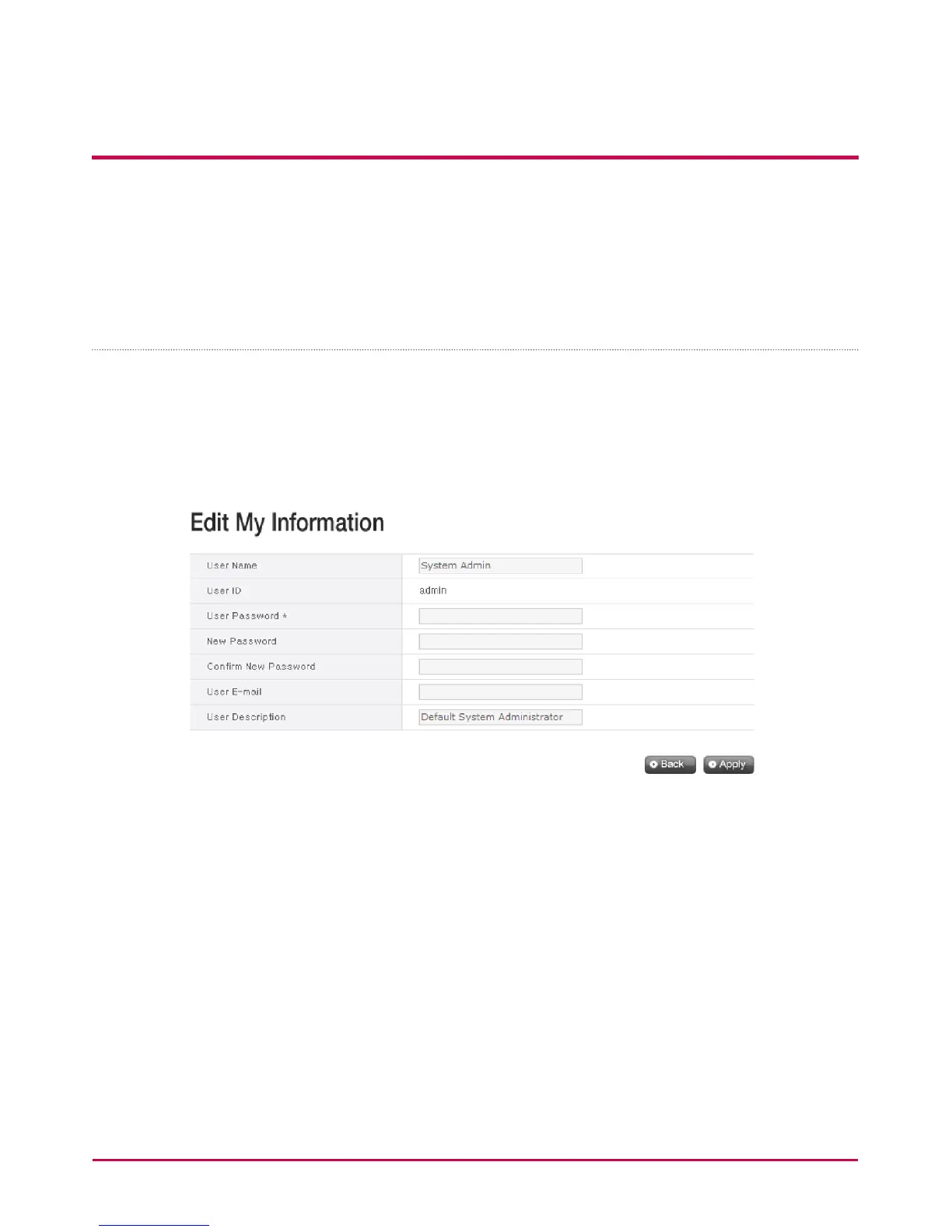
My Information
1 Click the “info” button on the left top corner. This displays the user information.
2 Click on the “Edit” button on the right bottom corner.
3 Enter the modied information, enter the existing password in “User password”and
click on “OK”.
* To change the password, enter the existing password in “User password” and enter
the new password in “New password” and “Conrm new password”.



 To Next Page