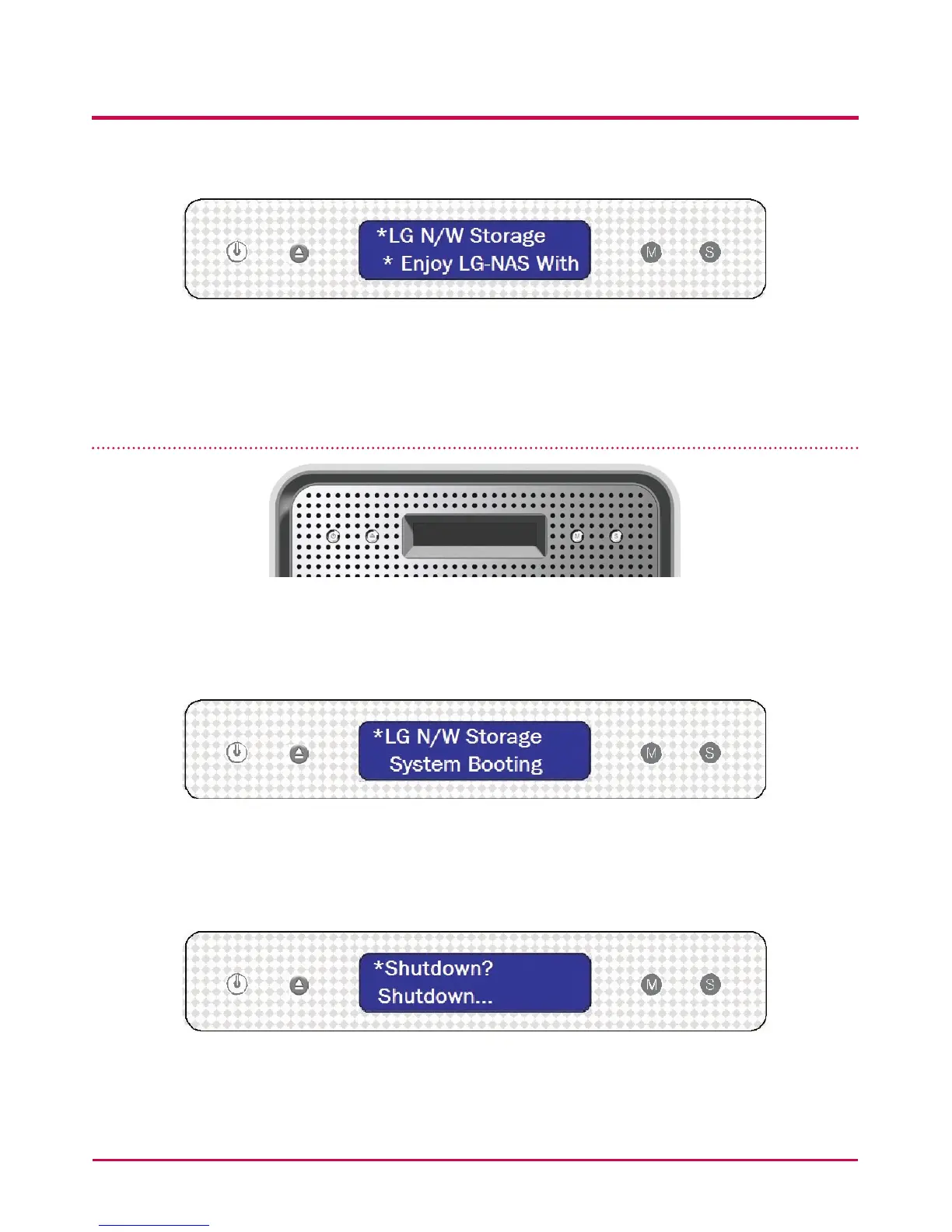
At completion of booting the rst screen will be as follows.
* If the LAN cable is unplugged, a [SVC[61_00] will appear on the LCD window. In this
case, ensure the LAN cable is connected.
Power Off / On (POWER button)
Power On
After pushing the POWER button on the front panel the following message appears,
activating the LG NETWORK STORAGE.
Power Off
When you press the power button on the front twice, the message below will appear and
the power will go o soon.
3. LCD panel and front button usage
35



 To Next Page