4. LG Network Storage Web Menu Use (for LG
Network Storage administrators)
54
6 Subject: The information email subject can be specied or changed.
7 Recipient Mail Address: Input the mail receipt administrator’s address.
8 Notication Trigger: Set up the information concerning the periodic use of the
HDD. In the case of not wanting to receive message periodically, the option may be
disabled.
9 HDD Status sending time: The HDD use information mail out frequency can be
determined (daily/weekly/monthly).
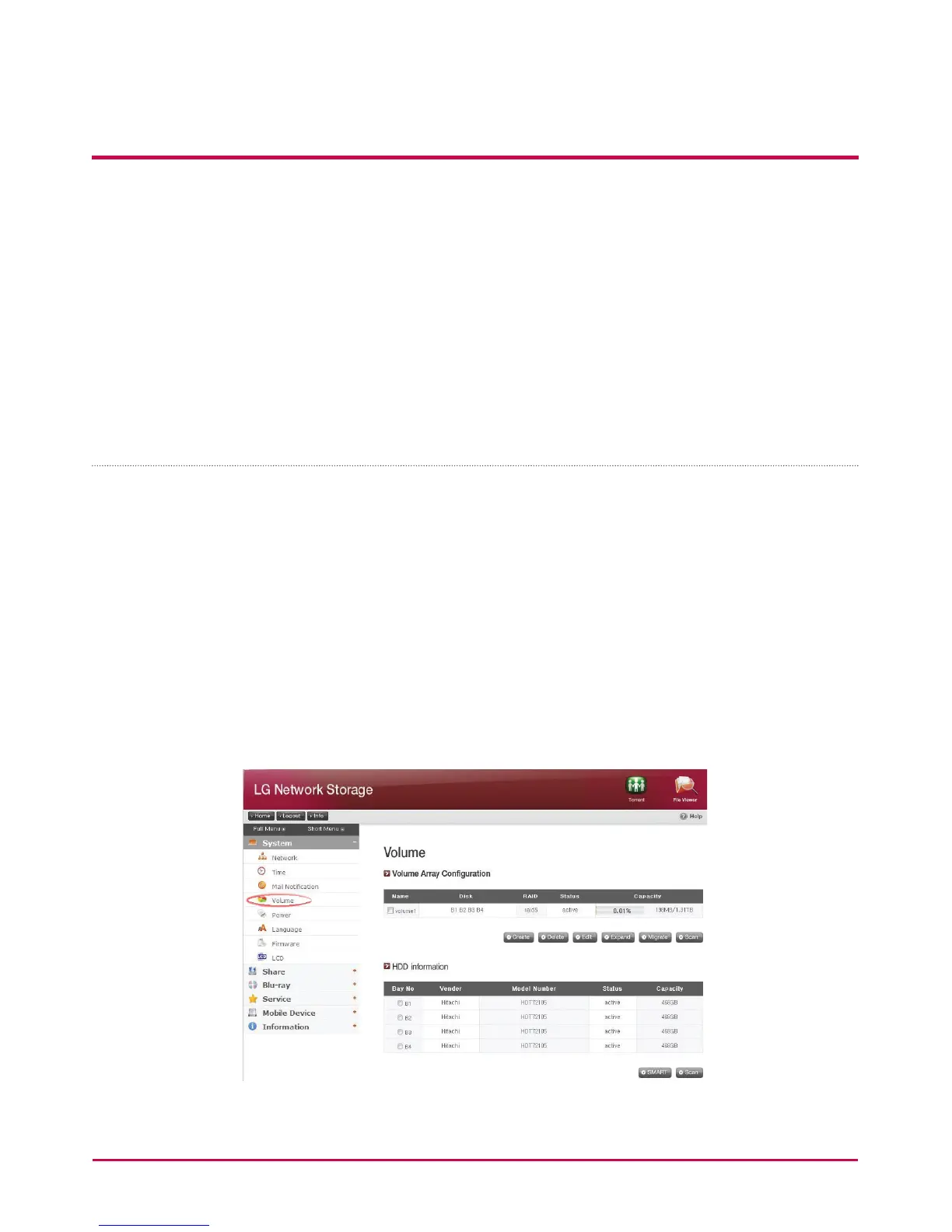
Volume
This section describes information and functions of volume where the user stores data.
* The LG NETWORK STORAGE uses hard disks separated in 3 areas; System, Swap and User.
- The System is where the LG NETWORK STORAGE rmware is installed with 10GB of
space allocated.
- Swap is a virtual memory area to compensate shortage of memory.
2GB are allocated.
- The user composes the LG NETWORK STORAGE volume and the remaining space is
allocated. Total available space of the volume diers according to le system pattern
and RAID level.



 To Next Page