2. LG Network Storage Installation
24
LG Network Storage Connection
In an environment with a DHCP server, selecting automatic IP search after connecting the
LG Network Storage to the IP router/switch/hub will acquire the network information from
the DHCP server. For a particular IP address allocated from the Network IP administrator,
installation using an IP address, subnet mask, default gateway and allocated DNS
information is simple.
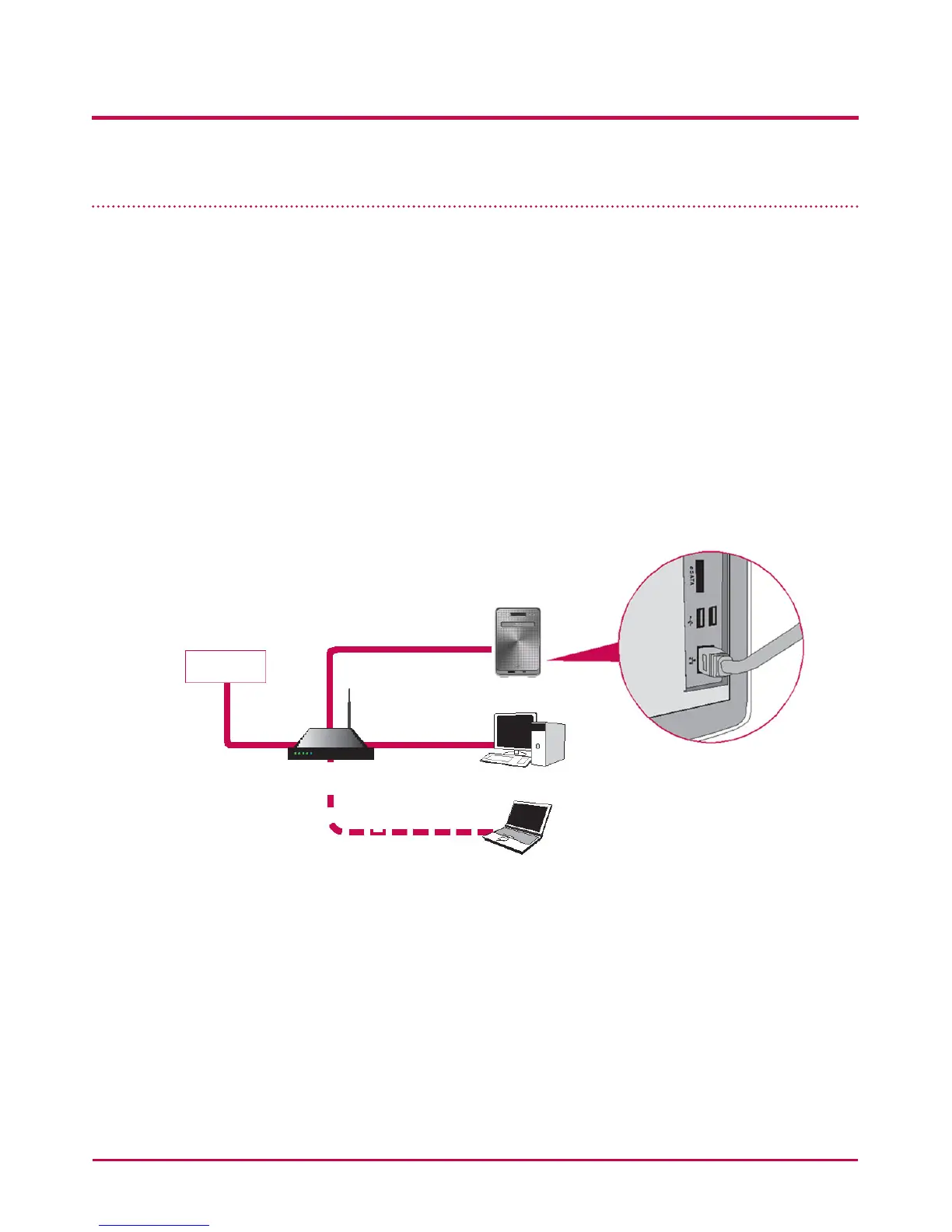
1 Using the included LAN cables, connect LAN ports on LG Network Storage and
network devices (home router/router/switch/hub) to each other or directly plug them
into the LAN port on the PC.
A. If the network component (home router/router/switch/hub) is used to connect
the LG Network Storage (home router/router/switch/hub) to the PC, use the
following
LG Network Storage
Internet
Desktop PC
Notebook
home router / router /
switch / hub



 To Next Page