5. LG Network Storage web menu usage (Regular
users)
167
Top menu
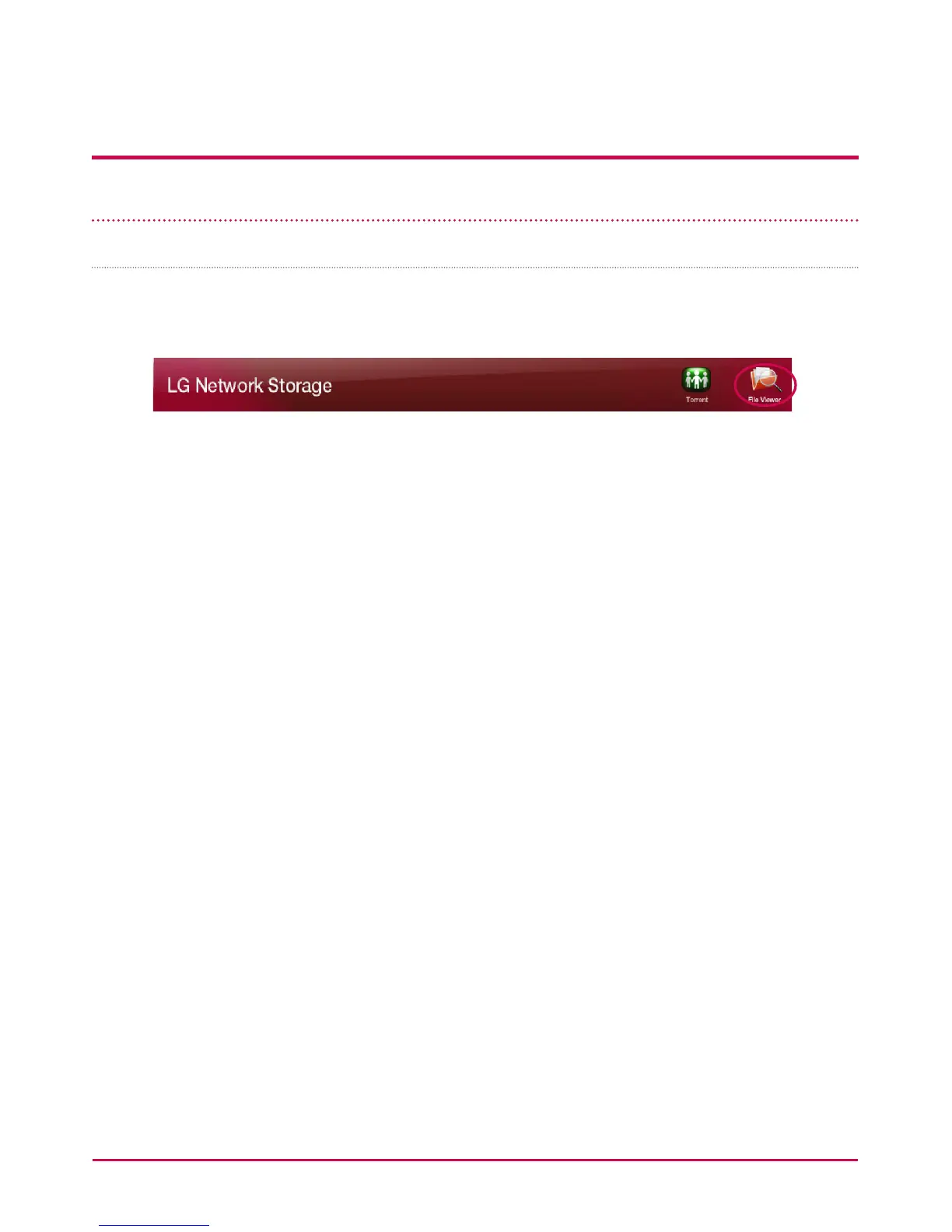
File viewer
File Viewer is an interface for web le management, which allows the user to upload,
download, copy, move, delete and rename the le or directory in the shared folder in LG
NETWORK STORAGE server, using a web browser.
- Required Browsers
IE 6 or higher, Firefox 3.5 or higher, Safari, Opera an Chrome
- To Download a Rile
Choose the le to download and click on ‘Download’.
*Note: 7zip is recommended for unzipping zipped les that you downloaded.
Please use 7zip on Mac OS.
- To Upload a File
Click on ‘Upload’ and then ‘Search’ to select the le to upload to this directory.
Select ‘Overwrite’ to overwrite the le with the same name. Otherwise, select ‘Skip’.
When you click on ‘Send’, le uploading will begin.
*Note: A single le that is bigger than 2GB cannot be uploaded.
The maximum number of les that can be uploaded is 256.
- To Copy a File or a Folder
Select the le or a folder and click on ‘Copy’.
Select the directory.
Copying the le or the folder will be automatically cancelled if there is a le or a folder
with the same name.



 To Next Page