7. LG Network Storage Maintenance
183
System information checking and saving
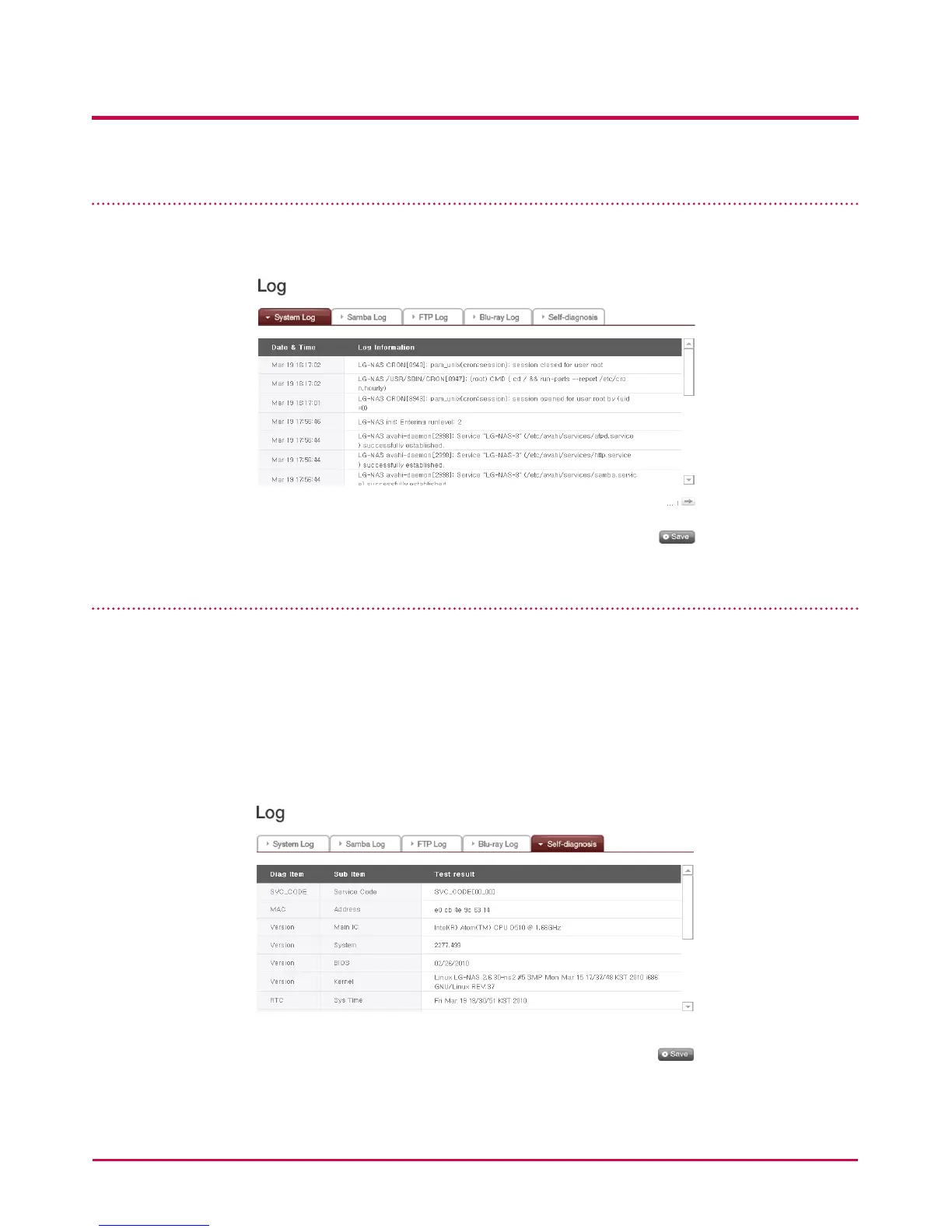
Open the administration web menu and go to the ‘Log’ of the ‘Information’ menu then
check and save settings in ‘System Log’, ‘Samba Log’ and ‘FTP Log’.
Self-diagnosis execution
The LG Network Storage, by virtue of built in self-diagnosis mode, helps users easily
recognize and handle problems arising on the server.
* The volume must rst be constructed before running self-diagnosis.
1 Open the administrator’s web menu and go to “Information > Log” menu and select
“Self-diagnosis” tab to immediately execute the LG Network Storage self-diagnosis.
2 Even in the middle of usage, the administrator can open up the administrator web
menu and select the ‘Self-diagnosis’ tab in the ‘Information > Log’ menu, so the LG
Network Storage immediately runs self-diagnosis.



 To Next Page