4. LG Network Storage Web Menu Use (for LG
Network Storage administrators)
88
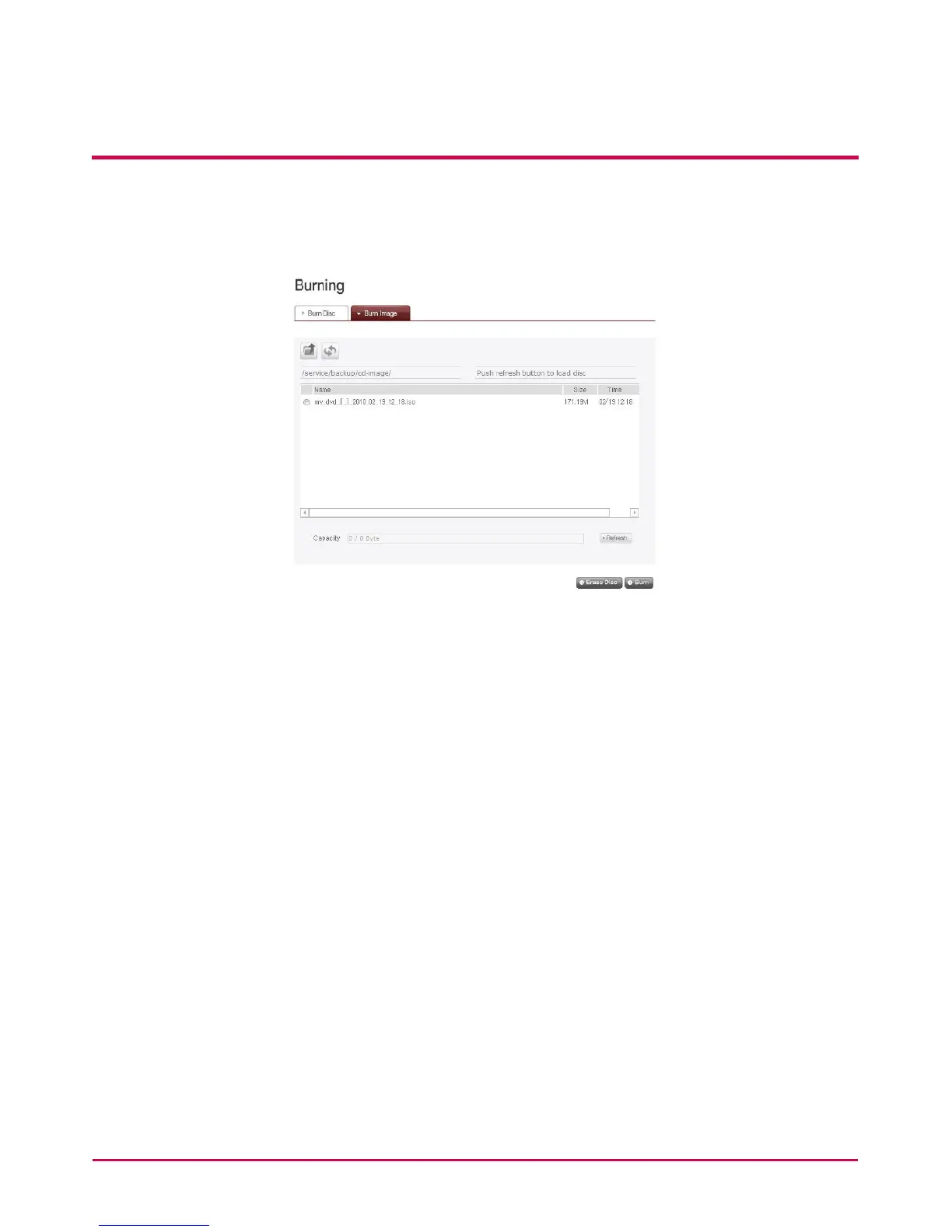
Burn Image
The image le of the disc used to save LG NETWORK STORAGE data can be burnt to disc.
1 Go to the folder where the intended is located
2 Selecting an image le to record
3 Click on the ‘Refresh’ button and conrm that disc writing is possible as indicated in
the disc status box.
4 Pressing the ‘Burn’ button begins the burning process. The burning process is
accompanied by a progress bar display. To cancel the process, click on the ‘Cancel’
button, which appears with the progress bar
5 At the end of the burning process, the tray ejects and the disc can be removed



 To Next Page