5. LG Network Storage web menu usage (Regular
users)
159
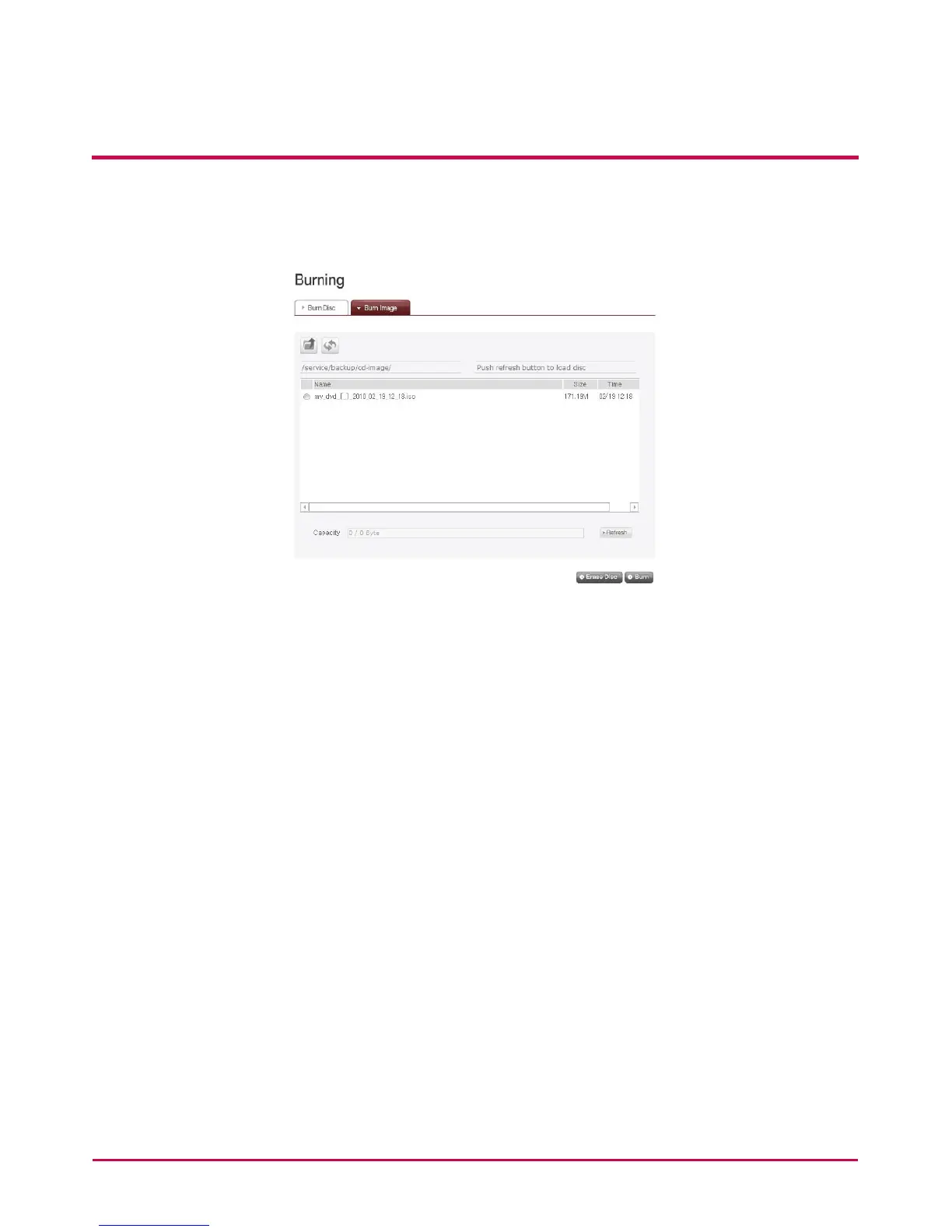
Burn Image
The image le of the disc used to save LG NETWORK STORAGE data can be burnt to disc.
1 Go to the folder where the intended is located
2 Selecting an image le to record
3 Click on the ‘Refresh’ button and conrm that disc writing is possible as indicated in
the disc status box.
4 Pressing the ‘Burn’ button begins the burning process. The burning process is
accompanied by a progress bar display. To cancel the process, click on the ‘Cancel’
button, which appears with the progress bar
5 At the end of the burning process, the tray ejects and the disc can be removed



 To Next Page