This section explains about general LG Network Storage maintenance and self-diagnosis.
LG Network Storage shut down/restart
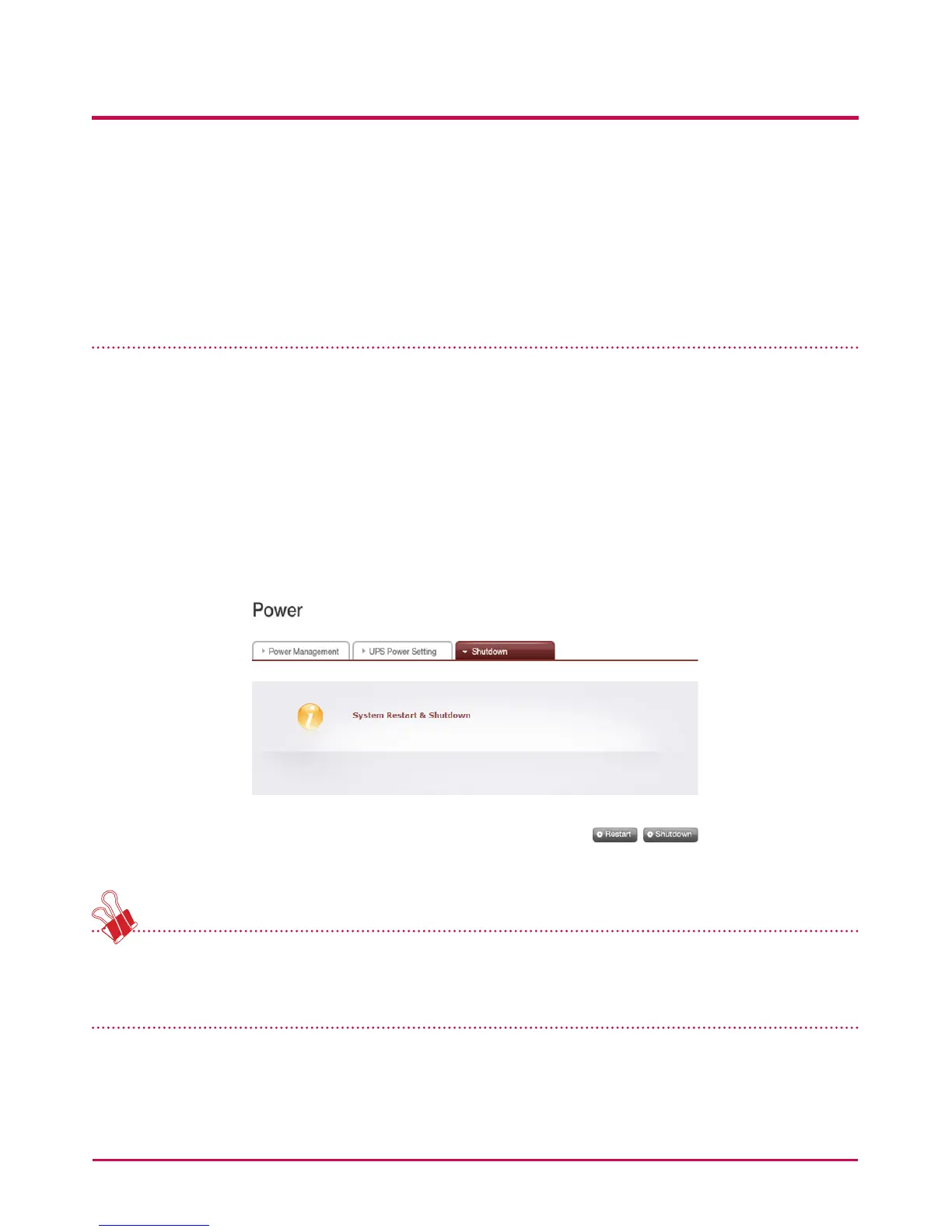
The following steps pertain to server shut down/restart.
1 Inform all connected users to save les in operation and stop use of the LG Network
Storage.
2 Open the administrator web page, and go to the ‘System > Power > Shutdown’ tab.
Follow the description and press the ‘Restart’ button to restart or the ‘Shut down’
button to shut down.
For a compulsory shut down of LG Network Storage, ress the power button twice.
A message saying that system will shut down will pop up and LG Network Storage will
shut down.
7. LG Network Storage Maintenance
181



 To Next Page