4. LG Network Storage Web Menu Use (for LG
Network Storage administrators)
101
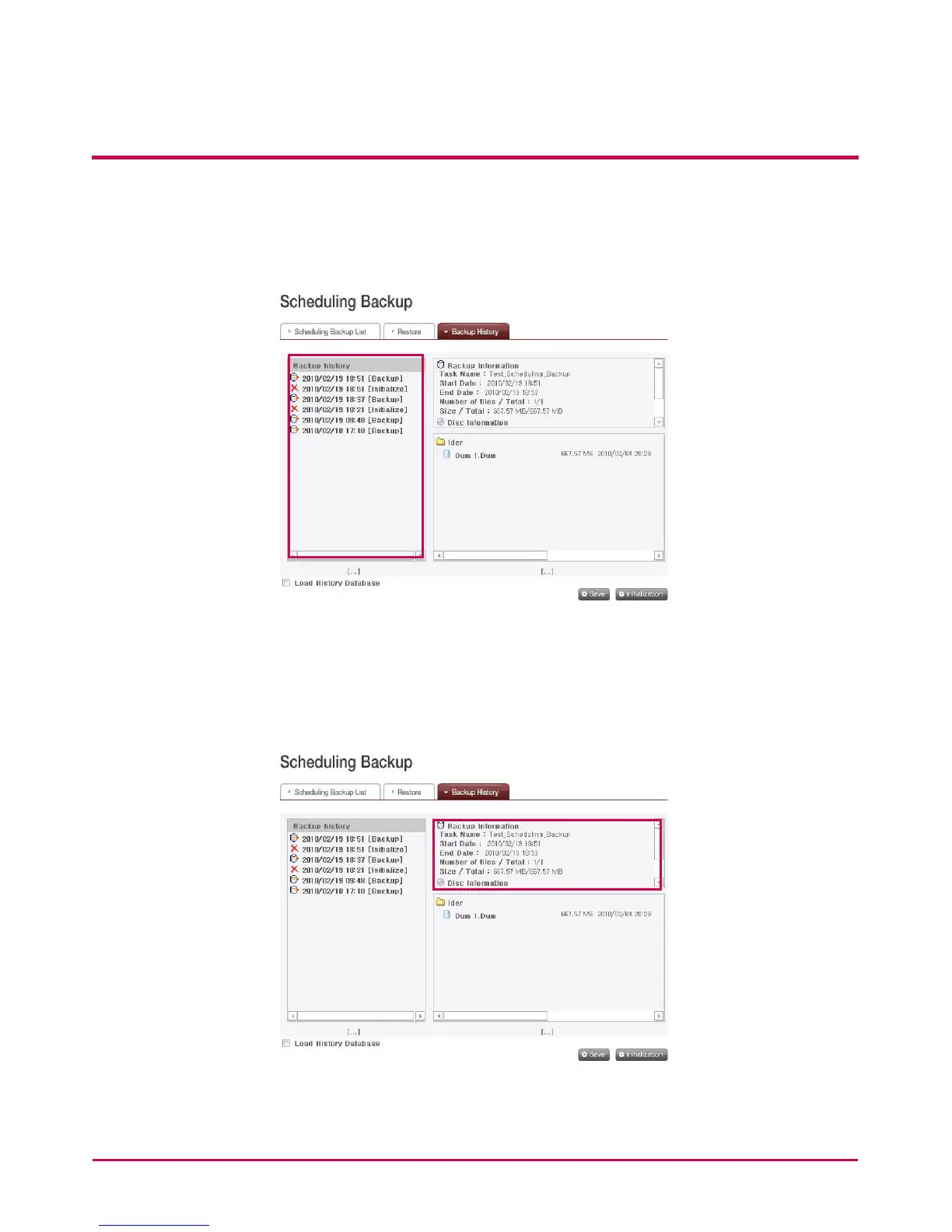
Backup history
You can see Backup and Initialization history.
<Backup Information>
You can see information on backup and initialization history from ‘Backup History’ tab.
Backup information shows the start and end of backup, and size of les backed up, and
disc information shows the space used and the number of the disc.



 To Next Page