6. LG Network Storage via network drive
178
Linux OS access
LG Network Storage supports Windows, MAC, and Linux OS, through the NFS service. The
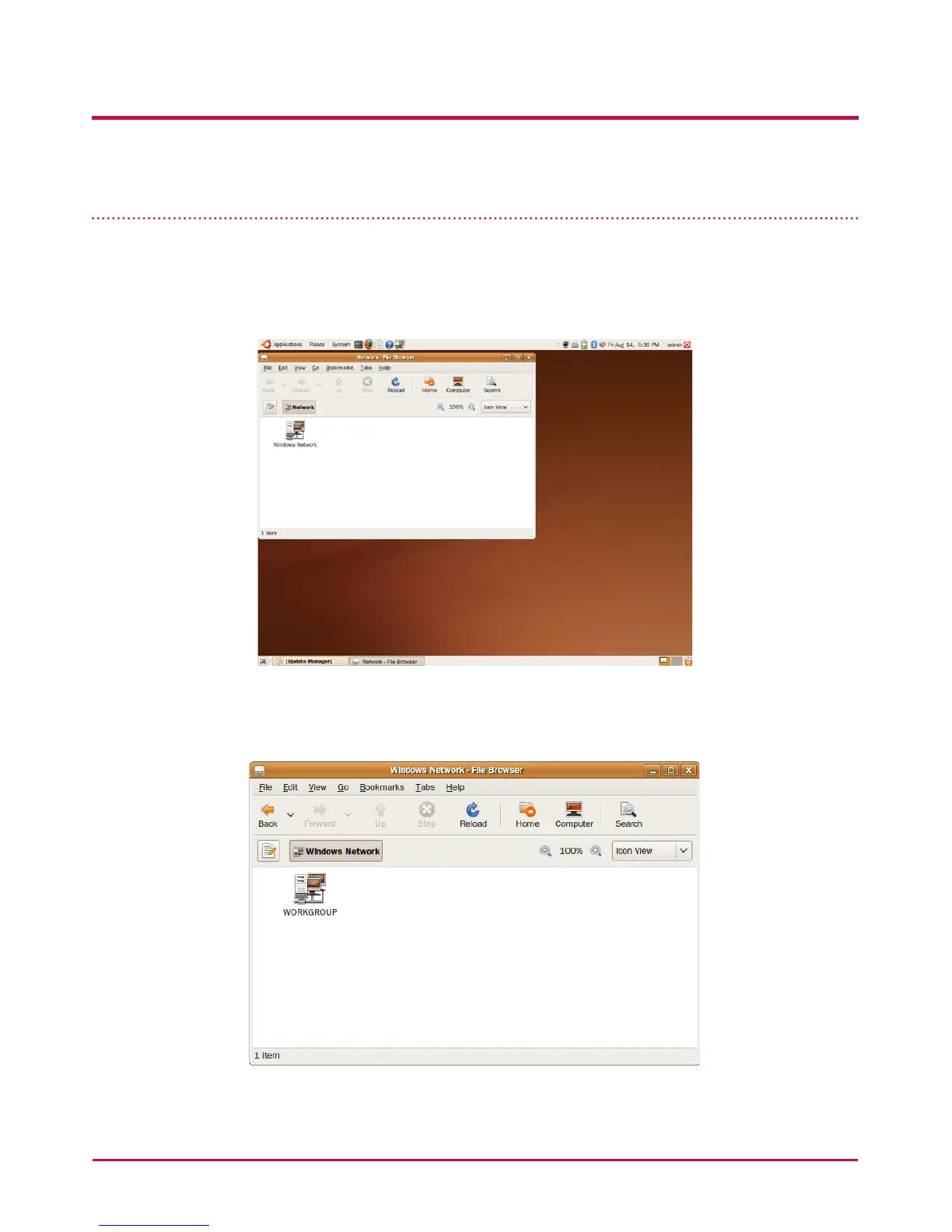
Linux system connection is as follows. Ubuntu will be used as a reference.
1 Click on the menu bar and then select ‘network’.
2 Click on “Windows Network” and select “workgroup” to display the LG Network
Storage connected. Select the name of the LG Network Storage to connect to.



 To Next Page