4. LG Network Storage Web Menu Use (for LG
Network Storage administrators)
71
Idle state
LCD screen becomes ‘idle state’ when the function button at the front part of the NAS
is not used for 30 Seconds. Applicable set-up value manifests the brightness of the LCD
screen when it is at the ‘idle state’
LG Network Storage Share Management
This function allows you to create users and groups as well as folders, and hence change
settings for their access authorization.
User
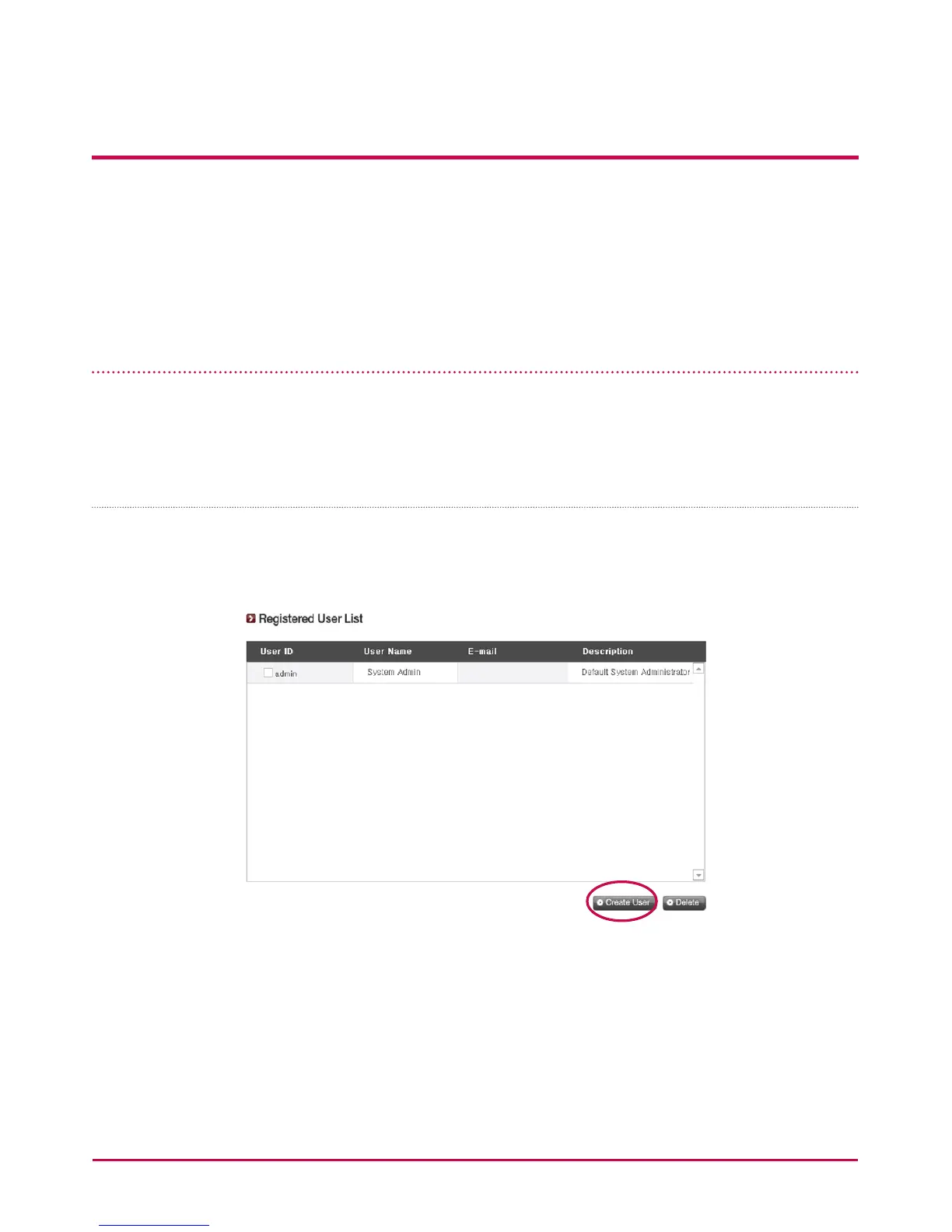
Current registered users appear, so new users can be created and registered user
information can be modied or deleted.



 To Next Page