2. LG Network Storage Installation
28
PC Application Program Usage
This explains how to use “NAS Detector”
For a detailed explanation for the bundle program, please refer to the built-in manual after
installing the program. (Comnso back-up/Photo DVD Album/CyberLink group)
<”NAS Detector” usage>
1 After checking that the PC network is intact, double click the “NAS Detector” icon on
the desk top to open the program.
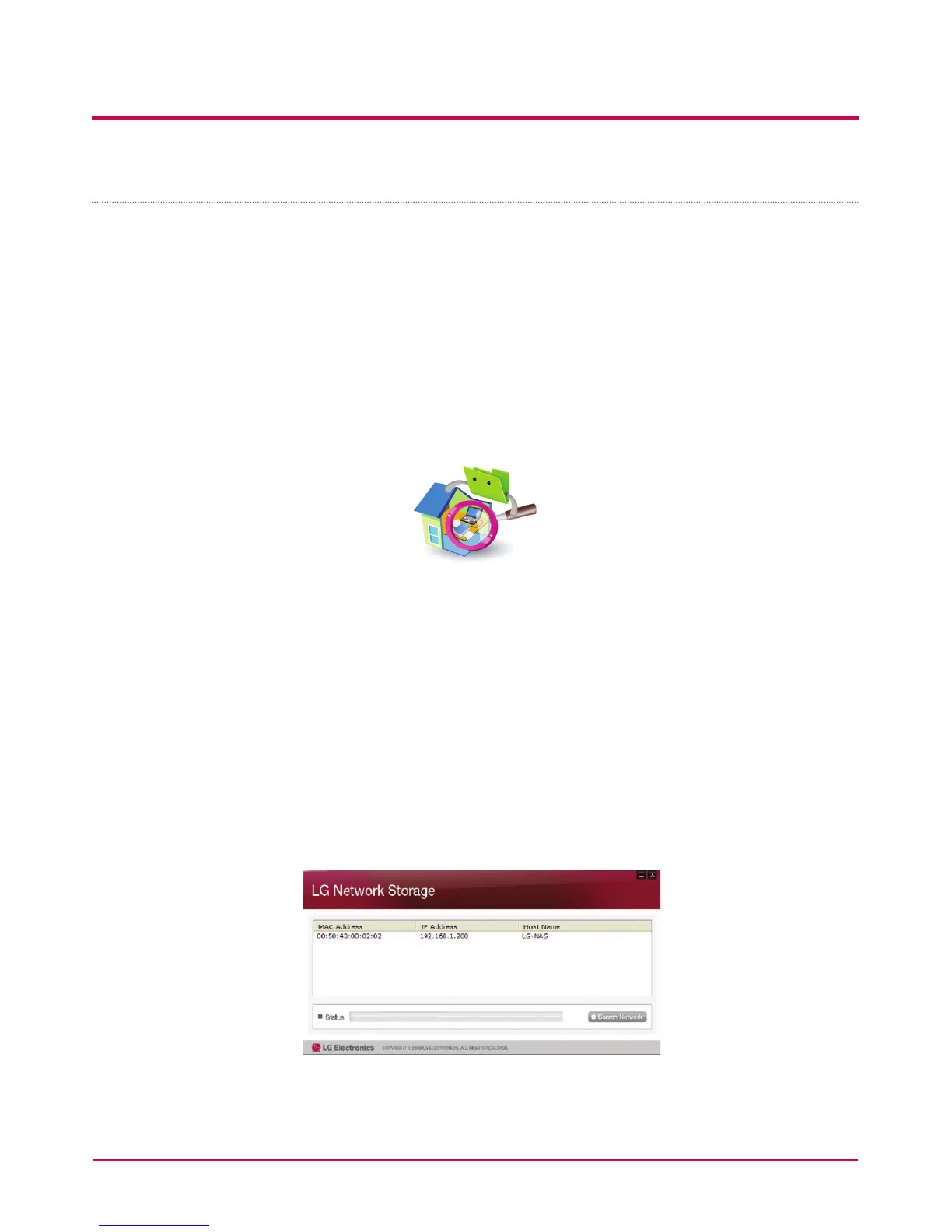
2 The ‘NAS Detector’ will automatically search the LG Network Storage connected to the
user’s PC.
When the searching is completed, the LG Network Storage IP Address, MAC Address,
and Host Name information are displayed on the screen.
The factory default settings are shown below.
- MAC Address: serial number for each LG Network Storage product is printed in the
back label.
- Host Name : LG-NAS



 To Next Page