2. LG Network Storage Installation
29
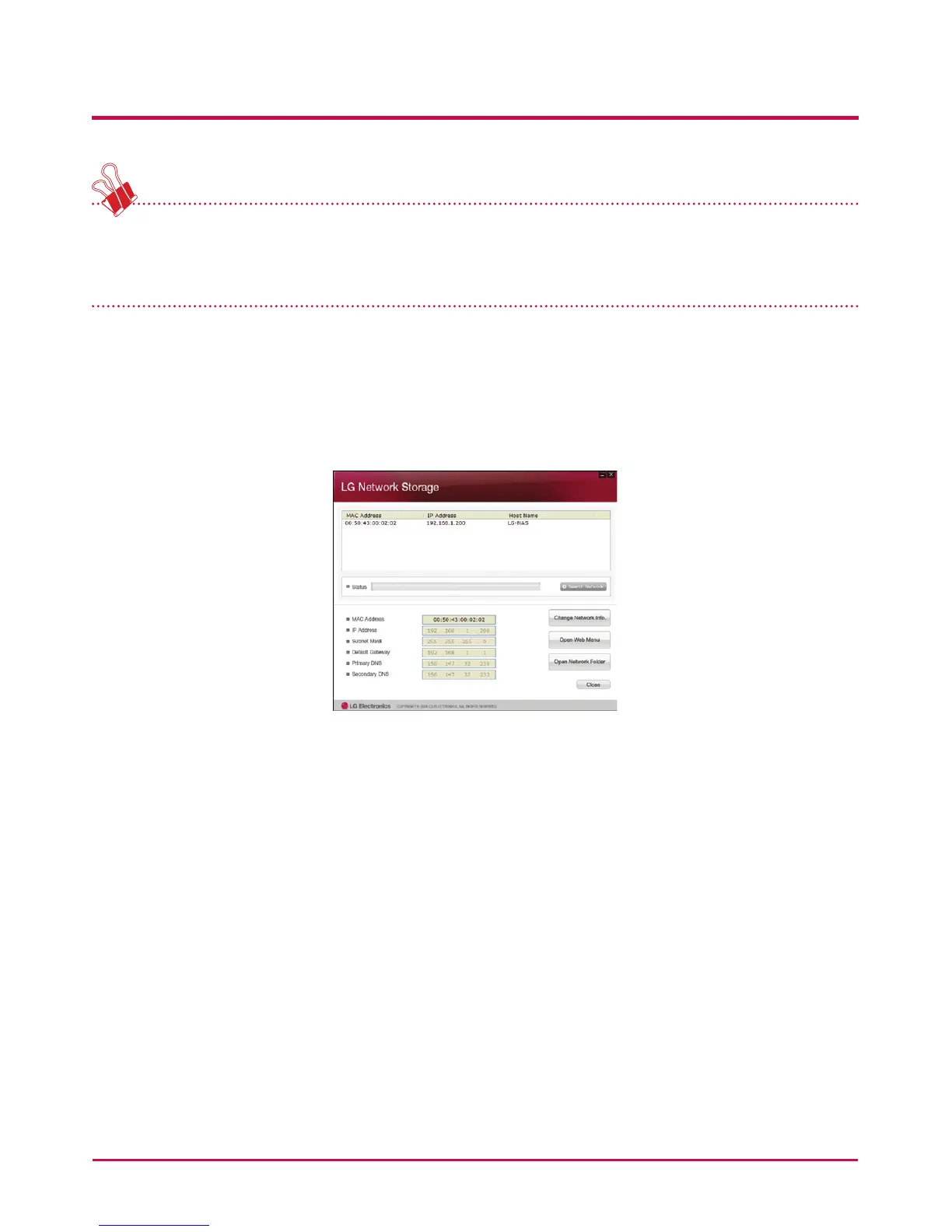
* If the desired LG Network Storage is not found, click again on the ‘Search Network’
button to restart the search. If the search on the ‘NAS Detector’ is unsuccessful, re-check
the Network connection. For manual setup see section <IP Setup>.
3 If the search result of the LG Network Storage information is chosen, as well as default
network information of the LG Network Storage, including the Subnet mask, Default
Gateway and DNS, ‘Change Network Info’, ‘Open Web Menu’ and ‘Open Network Folder’
buttons will appear.
* For the ‘NAS Detector’ to properly function, the PC needs to be connected to the same
home router/router / switch / hub as the LG Network Storage.



 To Next Page