2. LG Network Storage Installation
20
‘LG Network Storage Installer’ installation (LG Network Storage
system file installation,volume and RAID configuration)
Use the included “LG NETWORK STORAGE Installer” disc for automatic system installation
and hard disk volume conguration.
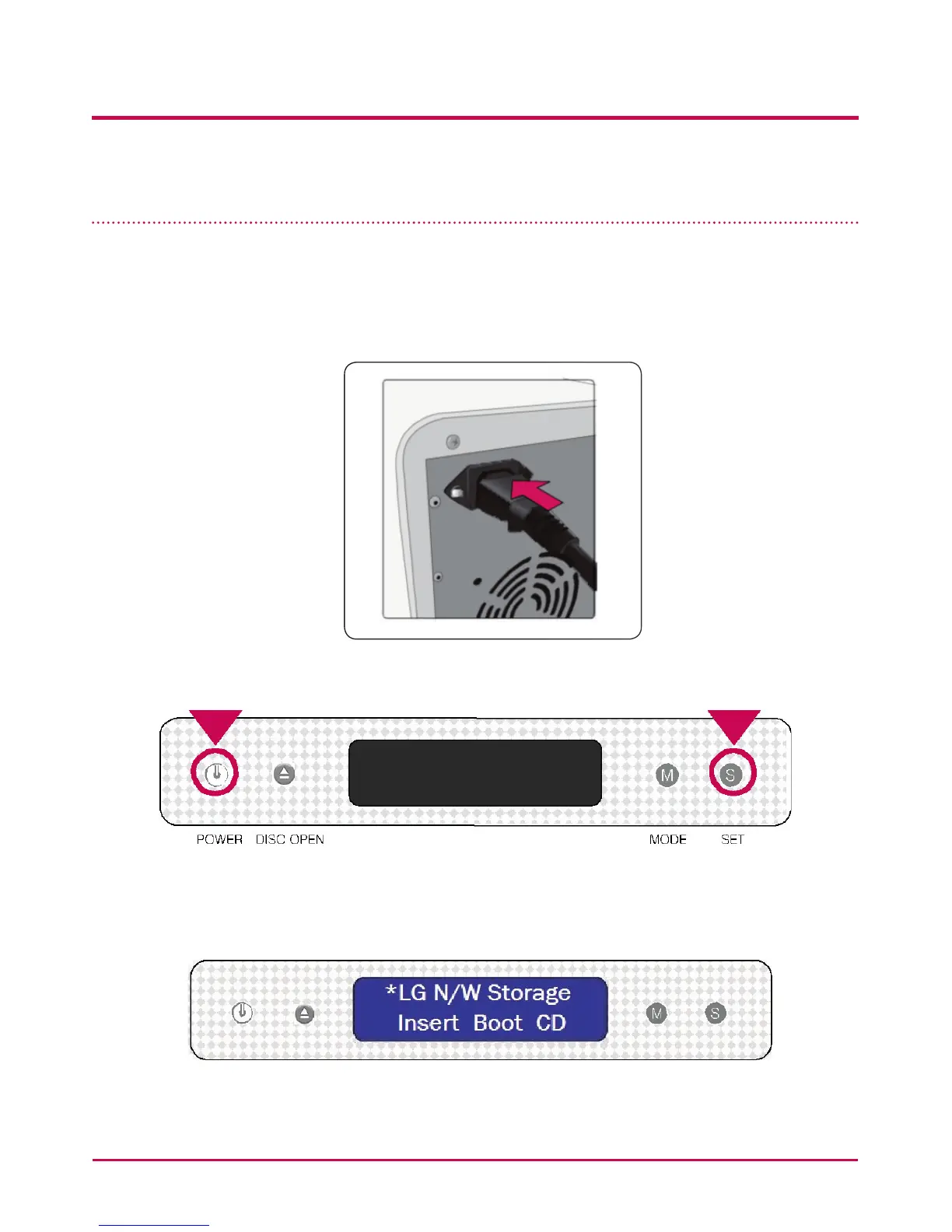
1 Plug the “power cord” into an electrical outlet.
2 While holding the ‘SET’ button, press the ‘POWER’ button to start the LG NETWORK
STORAGE.
3 After approximately 20 seconds the “Insert Boot CD“Message will appear and the tray
will automatically open.



 To Next Page