2. LG Network Storage Installation
19
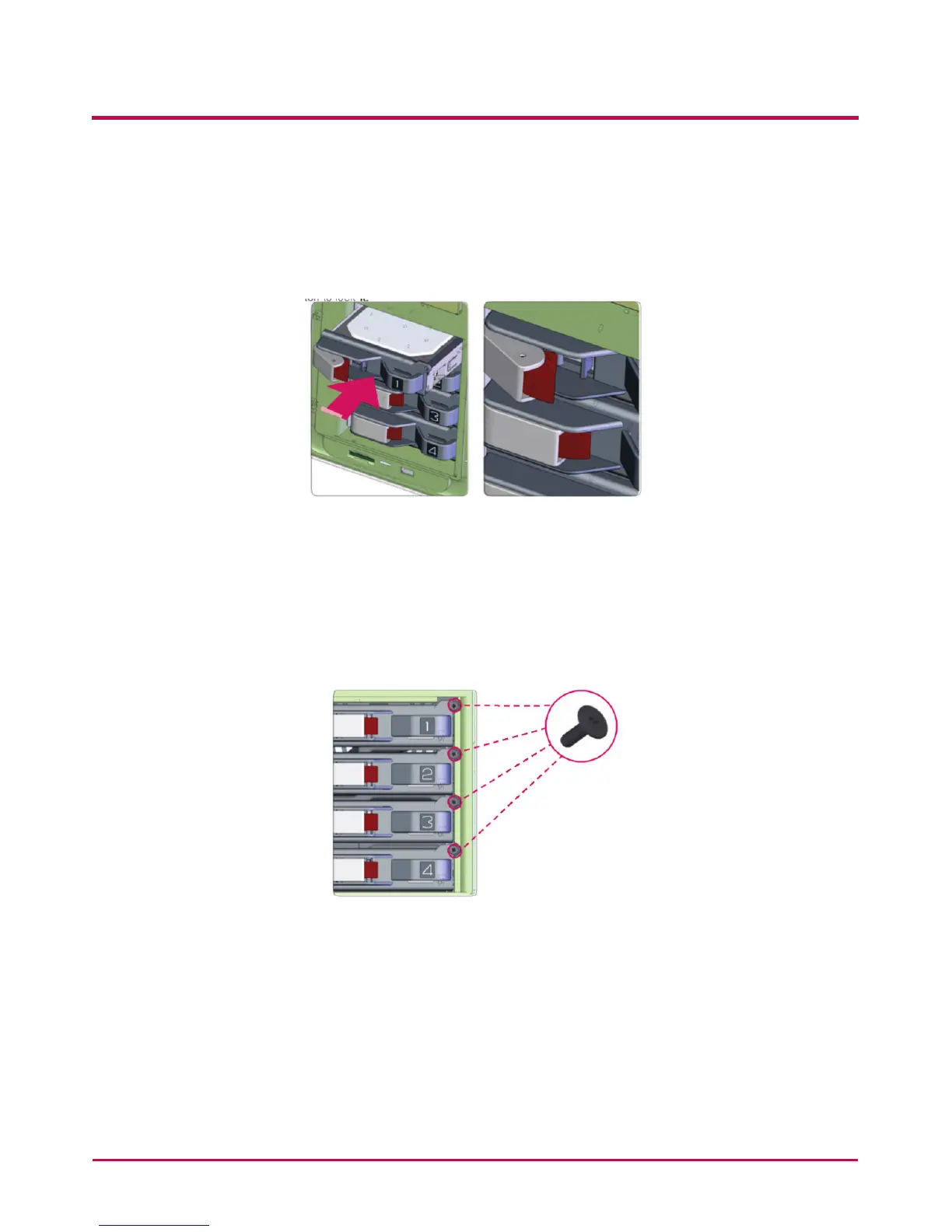
6 Keeping the locker lever out, push the hard disk rack into place, listening, for the
sound. When the hard disk rack is properly and com secure completely pushed in,
press the button to lock it.
Similarly repeat the installation procedure for all the hard disks, one by one.
7 To prevent accidental detachment of the hard disk rack, fasten it using included bolts.



 To Next Page