4. LG Network Storage Web Menu Use (for LG
Network Storage administrators)
131
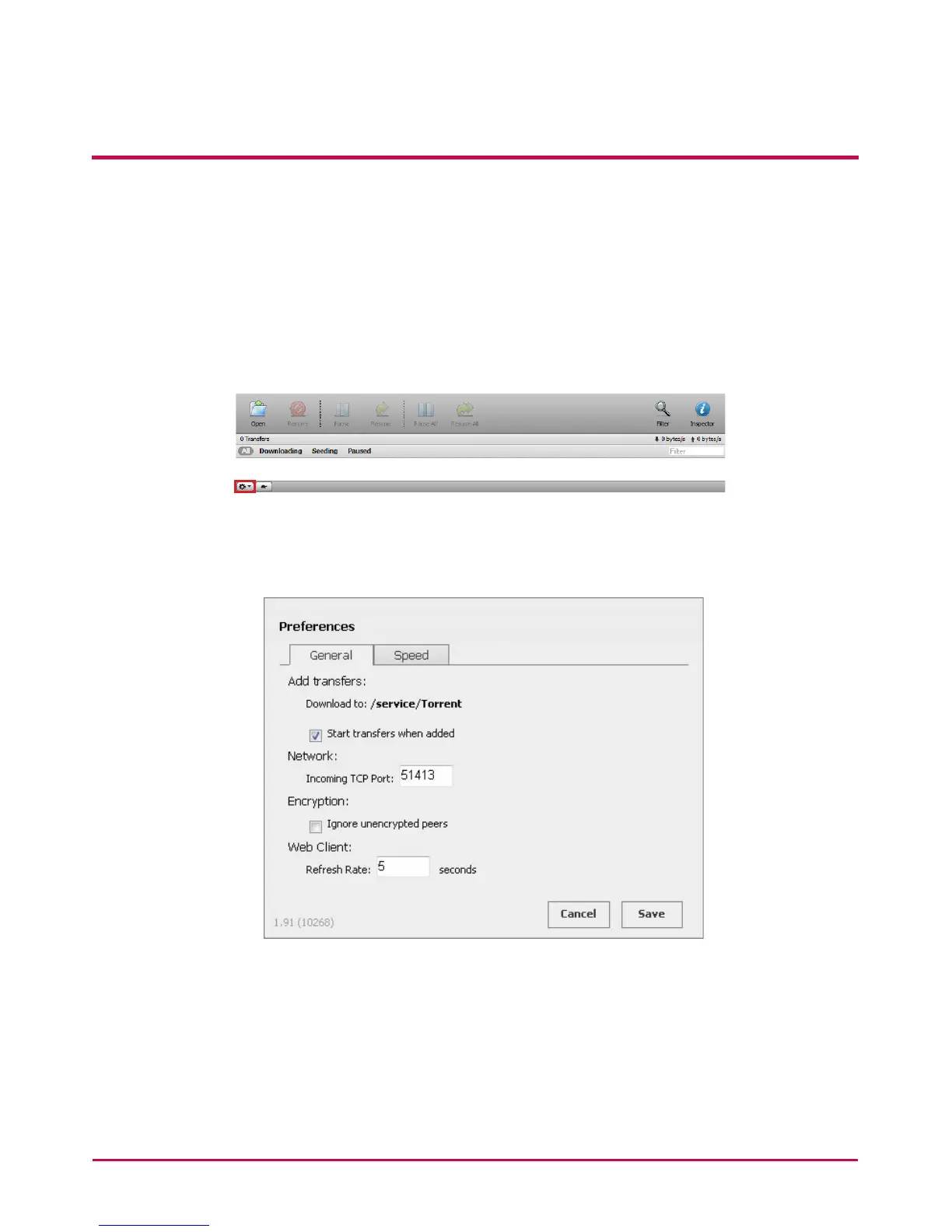
7 Filter: Hides or unhides the lter item.
8 Inspector: Hides or unhides the information for the selected le.
[Set-up]
1 Click on the set-up icon.
2 Select Preferences and set up the port to be used, transfer speed limit, etc.
* You can select preference, set the speed on Turtle Mode and click a turtle-shaped button
to put a limit to the preset transmission speed.



 To Next Page