4. LG Network Storage Web Menu Use (for LG
Network Storage administrators)
137
USB Sync
This function enables data transfer between USB devices, memory cards or external e-
SATA devices and the LG NETWORK STORAGE.
Note: Some particular devices may require an adapter. (For a compatible memory card list,
please refer to the homepage, http://www.lge.com. Use of an incompatible device may
cause malfunction of the LG NETWORK STORAGE.)
USB Device & Memory Card
USB device and memory card data can be backed up with the LG NETWORK STORAGE.
A separate process can be created for each USB device. One task can be performed using
the USB device ID, target folder and back up method information, as well as back up
period information.
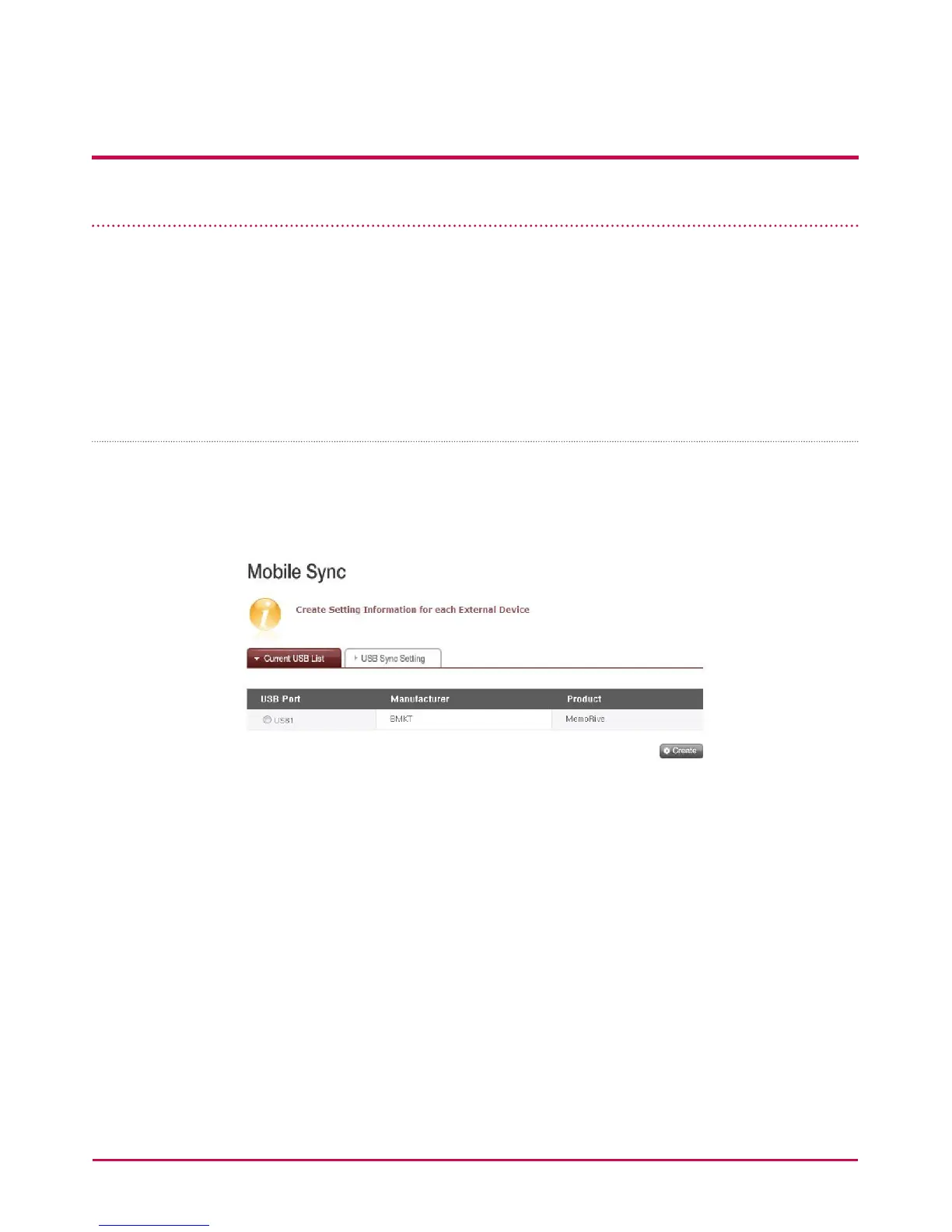
Current USB List
USB device and memory card lists on the LG NETWORK STORAGE are displayed.
<Backup Conguration Procedures>
1 Connect a USB or memory device to the LG NETWORK STORAGE.
* On the back panel of the LG NETWORK STORAGE there are 2 USB ports, on the front
panel of the LG NETWORK STORAGE there is 1 USB port and 1 memory slot.
2 Refresh the list to itemize.



 To Next Page