4. LG Network Storage Web Menu Use (for LG
Network Storage administrators)
138
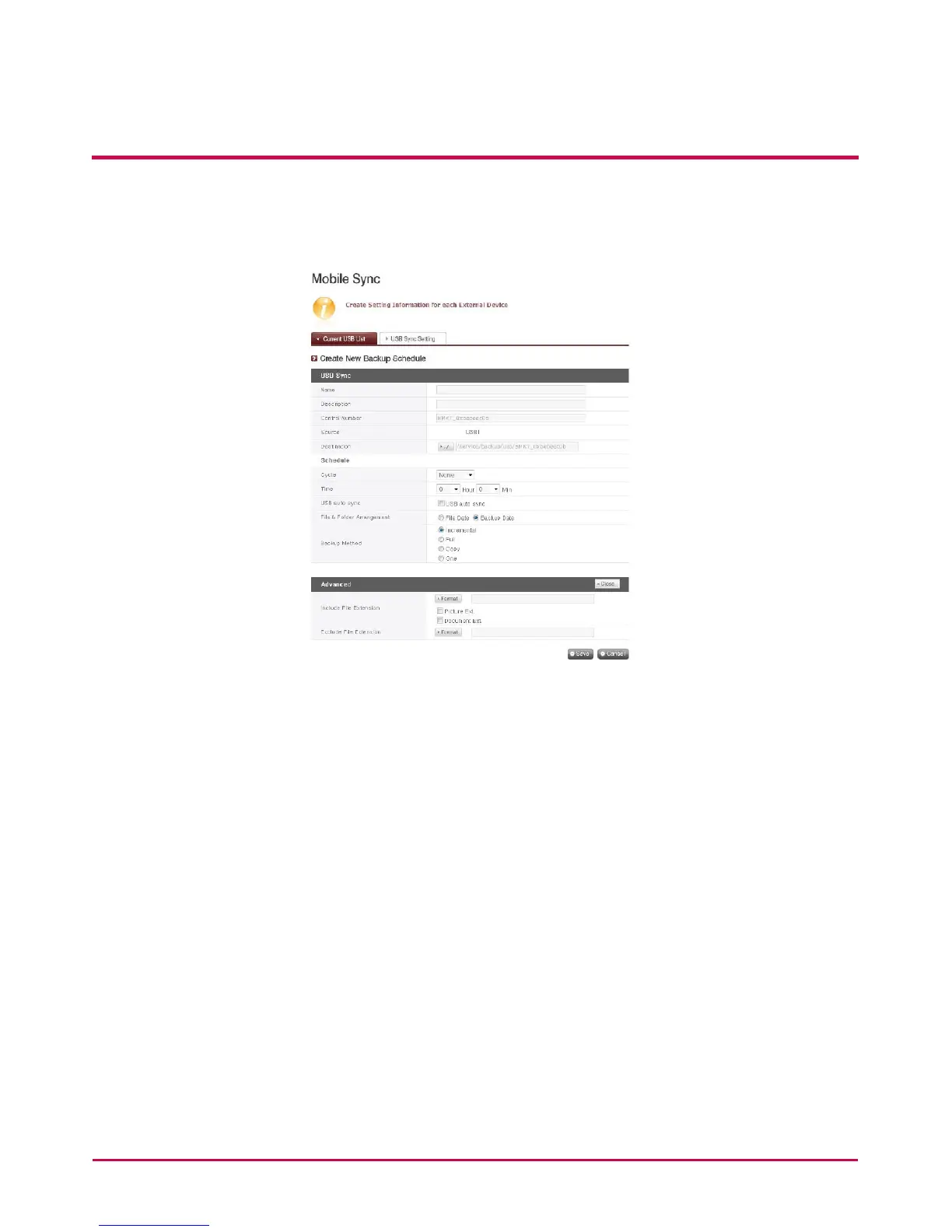
3 Select the device for backup and click on the ‘Create’ button.
4 Specic options for Backup are listed.
5 The task name is saved.
6 The task information description is specied.
7 The selected device’s unique ID is displayed. ID specic to the manufacturer
information, product information, etc, are displayed.
8 The port with the device is displayed.
9 The backup information stored target folder is specied. When selecting the device,
a default folder is created automatically. The target folder can be changed to a folder
other than the default folder.
10 The backup schedule is specied. Daily, Weekly, Monthly options are possible.
If the monthly cycle is chosen, the date will be specied. If the weekly option is
chosen, the day will be specied.
11 The backup time will be specied.
12 an automatic back up every time a USB is connected is created.
13 For incremental backups, the incremental back up option is selected. This is possible
only when the ‘Incremental’ back up method option is valid.



 To Next Page