4. LG Network Storage Web Menu Use (for LG
Network Storage administrators)
85
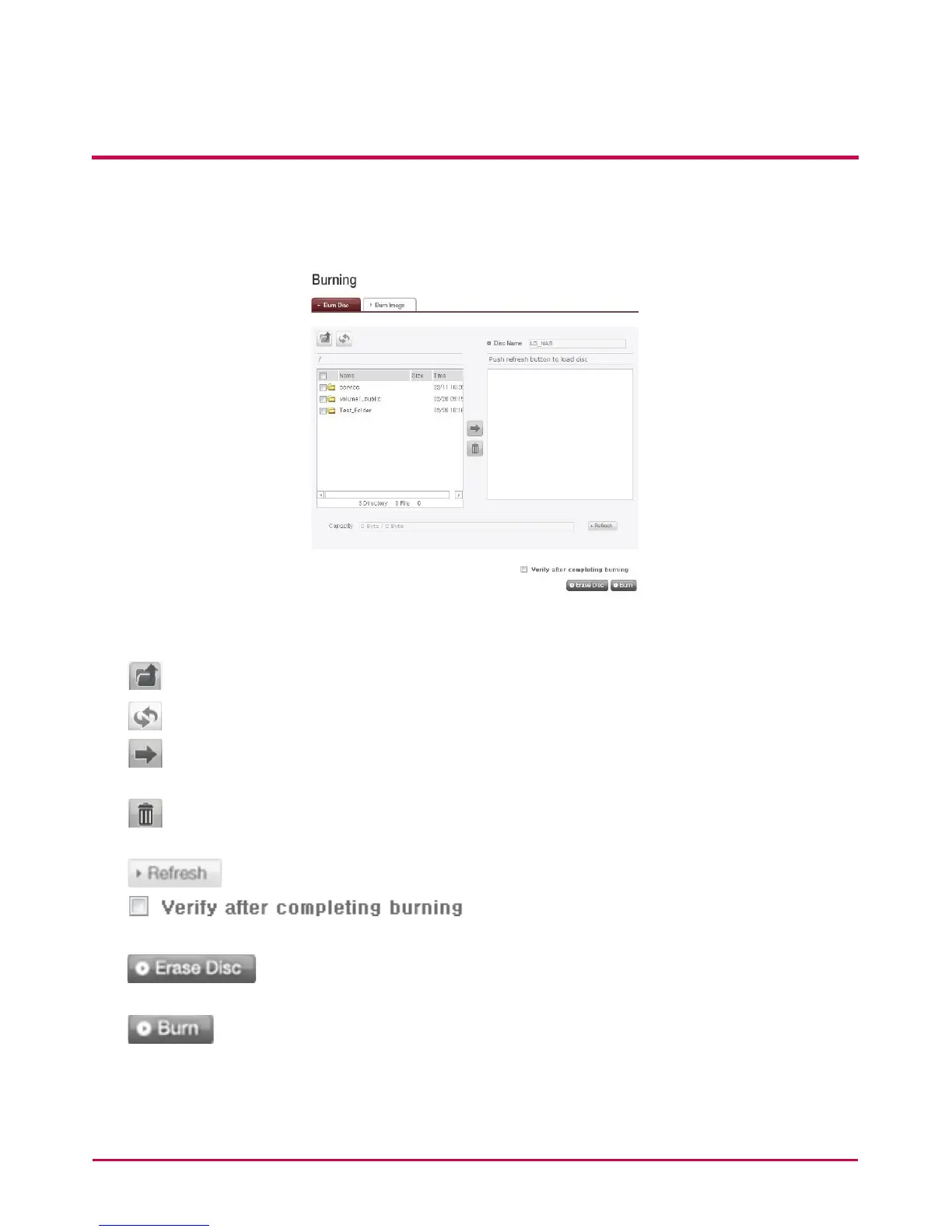
Burn Disc
Burning LG NETWORK STORAGE les to disc is possible.
[Button functions]
: Moves to upper folder.
: Refreshes the current folder.
: Files or folders selected on the left window are sent to the right window to
organize a list for recording.
: Deletes selected les or folders from the list organized for recording on the right
window.
: Check whether this disc can be written from the disc status screen.
: Check whether the disc has been
successfully written.
: Initialize the rewritable disc. All data written on the disc will be
deleted after initialization.
: Files that have been preset will now be written on the disc.



 To Next Page