4. LG Network Storage Web Menu Use (for LG
Network Storage administrators)
63
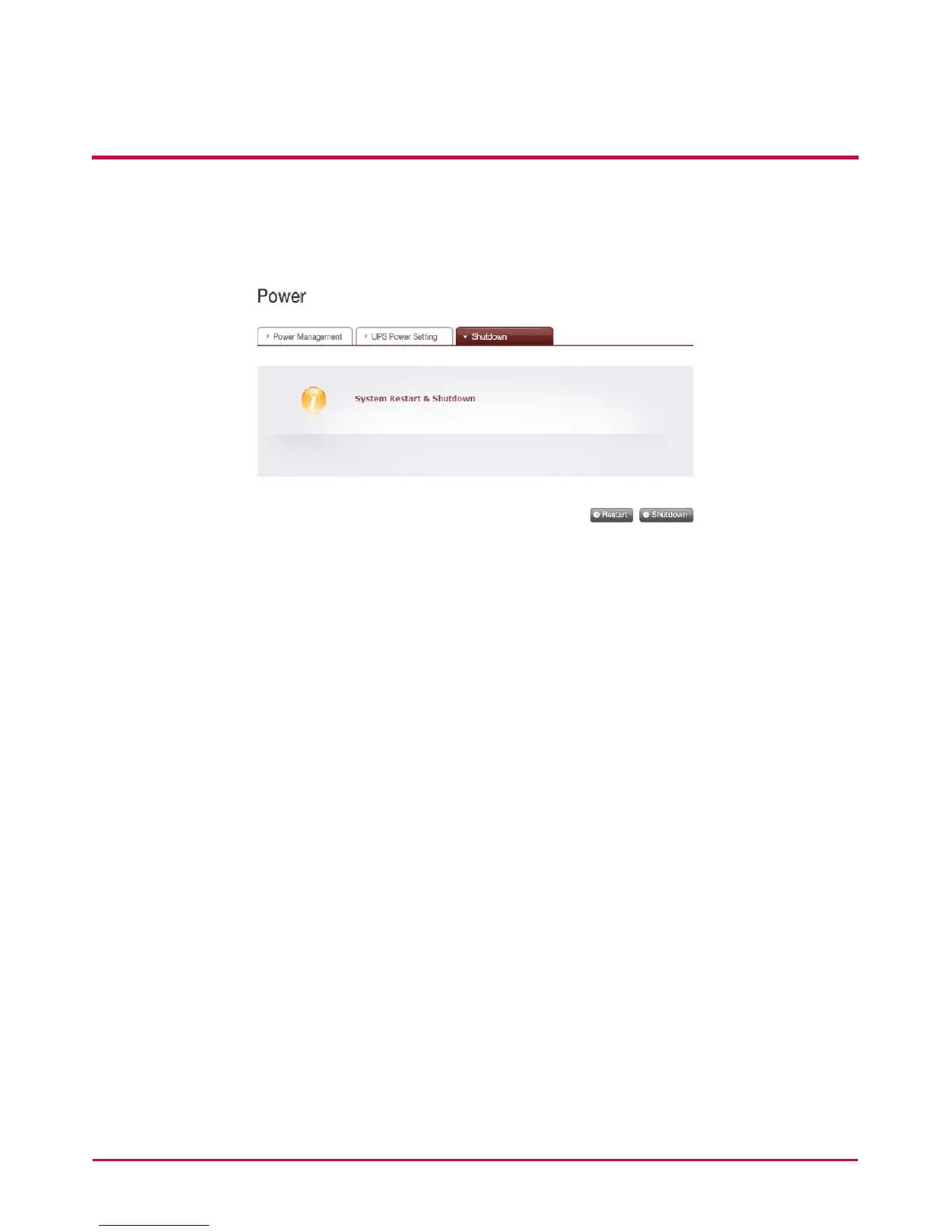
Shutdown
Do not go directly to the LG NETWORK STORAGE, as the LG NETWORK STORAGE can be
started and stopped via the web.
• Restart
- Ends all current operations and restarts the LG NETWORK STORAGE.
- A warning will appear when clicking the button, and the system can be restarted by
clicking on the ‘OK’ button.
- During restart web access is not available.
• Shutdown
- Ends all current processes and shuts down the LG NETWORK STORAGE.
- A warning will appear when clicking the button, and the system can be restarted by
clicking on the ‘OK’ button.
- During restart web access is not available



 To Next Page