4. LG Network Storage Web Menu Use (for LG
Network Storage administrators)
117
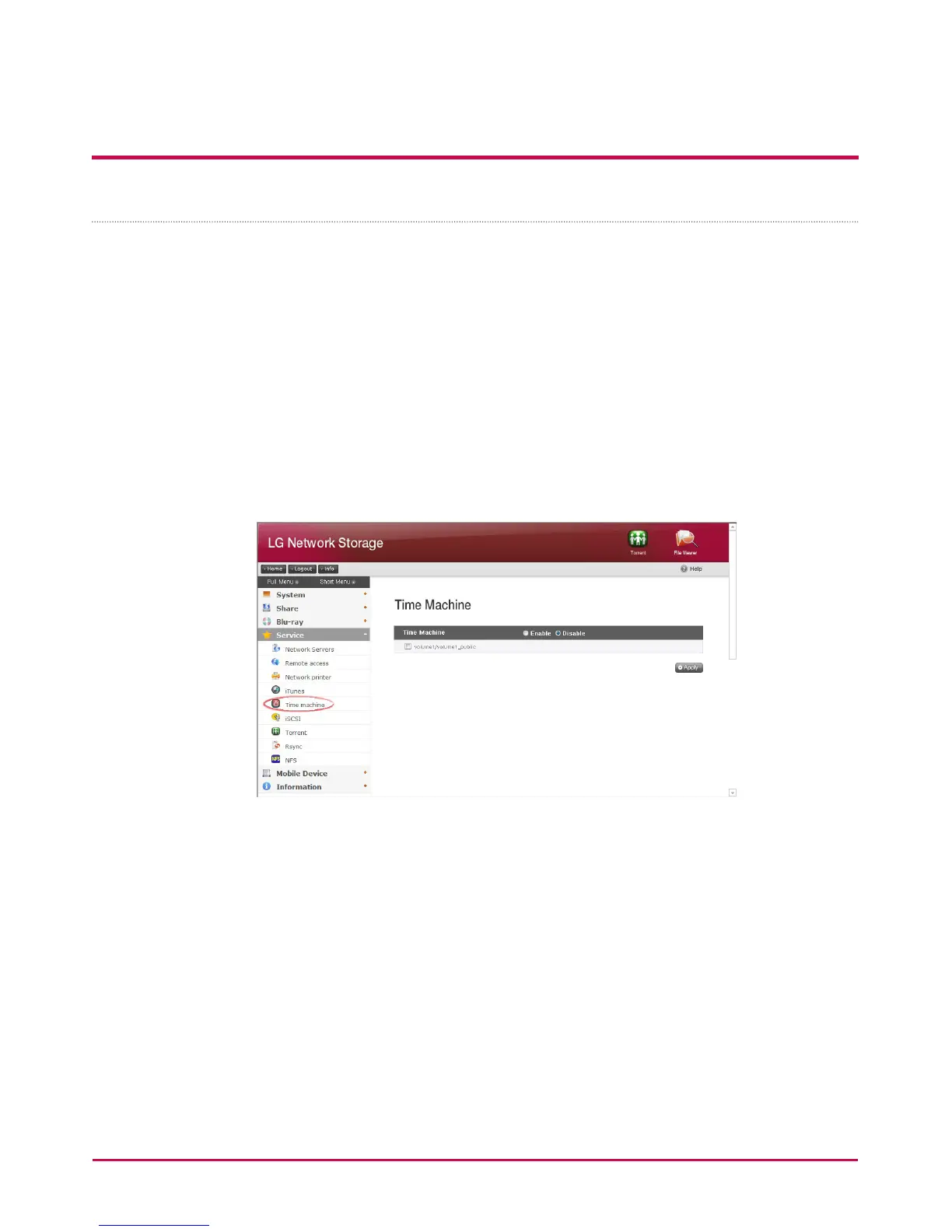
Time Machine
The Time Machine service is the automatic back-up function built in Mac OS X and allows
the Mac data copies to be stored in LG Network Storage in their latest version.
* This service is available in only Mac OS X version 10.5 Leopard or later versions.
[Web Set-up]
1 Select a folder to store the copy of Mac data. When you select a folder, the protocol
will be set to AFP(Mac).
2 Set the time machine to ‘Able’ and designate a folder.
3 Click ‘Apply’ button.
* It will be automatically activated if AFP server is deactivated.


 To Next Page
 Loading...



