3. LCD panel and front button usage
36
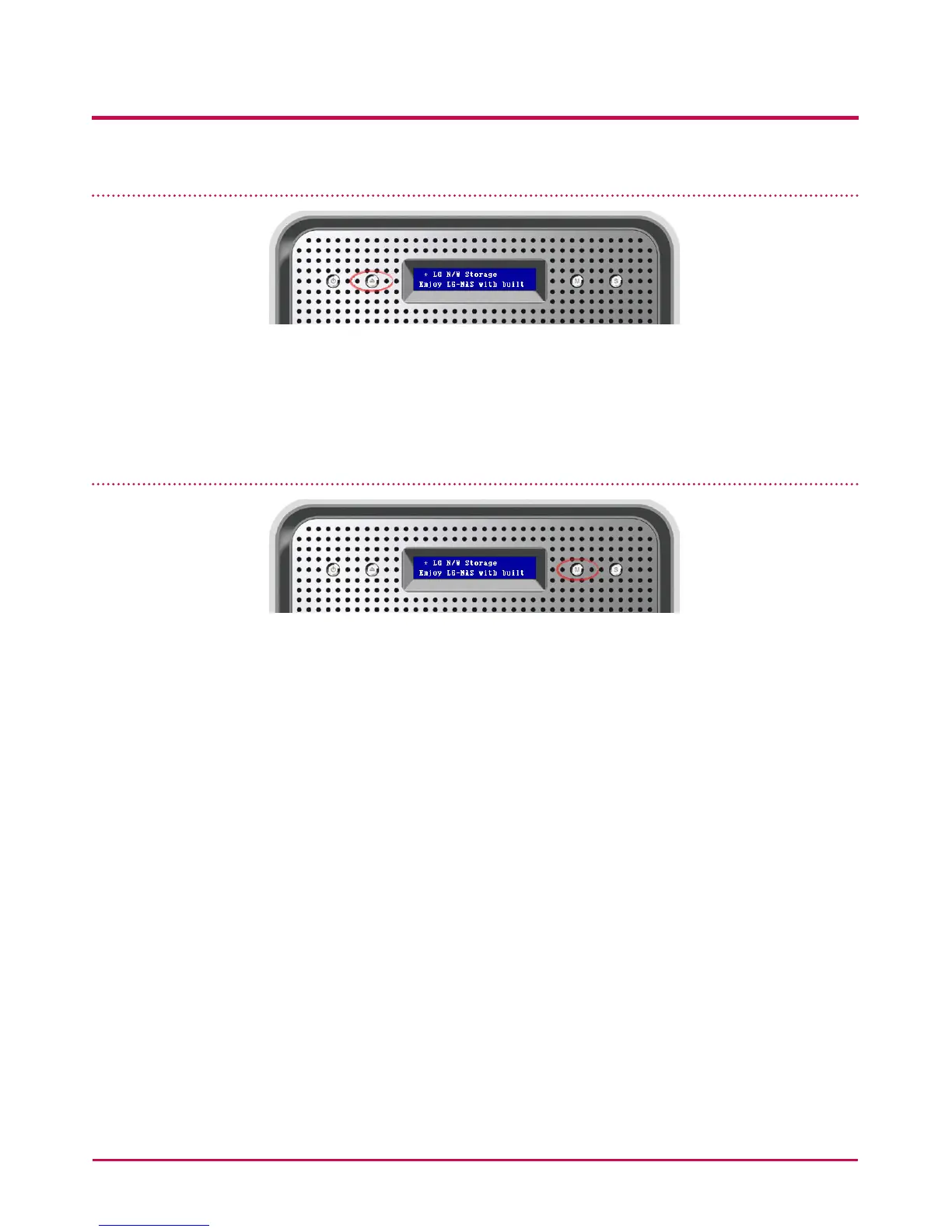
Tray open / close (DISC OPEN button)
Pressing the “DISC OPEN” button at the front will open the drive and draw out the tray,
where the disc can be placed, and pressing the button again will push the tray in. Similarly
the tray can be pushed in by hand.
Action set up (MODE button)
By pressing the “MODE” button at the front of the LG NETWORK STORAGE, many functions
become available for use.
Use the “MODE” button as follows.
There are 4 steps in the Action set up mode: [IP Setup] - [ODD Backup] - [ODD Backup]
- [ODD Burn] - [USB Backup]. Pushing the “MODE” button allows the user to go to the next
page. Using the “SET” button the user can access each of any of the functions.



 To Next Page