4. LG Network Storage Web Menu Use (for LG
Network Storage administrators)
133
D Congure target directory to save backed up data.
E Select ‘Save’ to save.
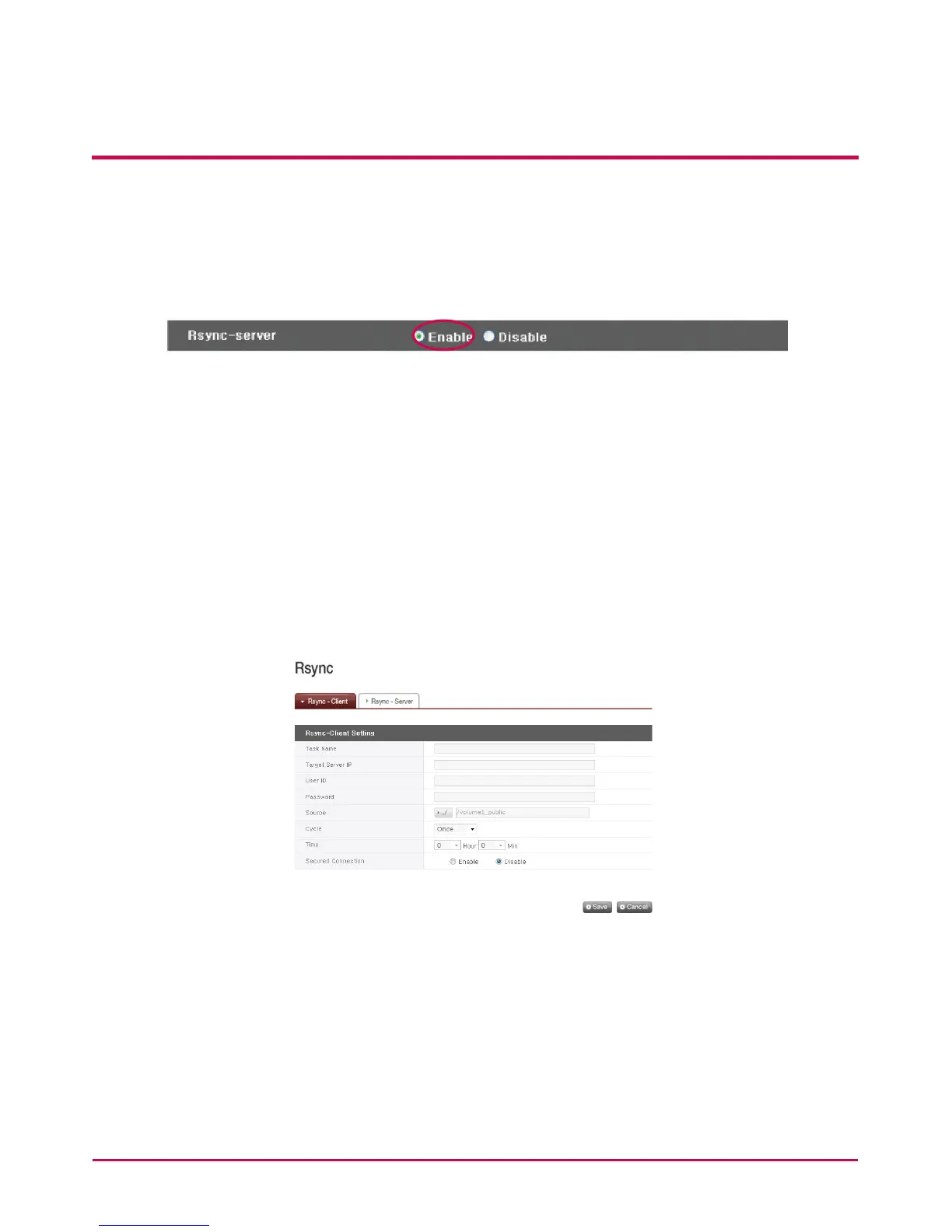
2 Check ‘Enable’ for the Rsync server to activate a remote data backup service as a
server.
* Select ‘Edit’ to alter a congured Rsync server task.
* Select ‘Delete’ to delete a congured Rsync server task.
Caution: Deletion of a congured Rsync server task will not aect user information or data
already backed up
RSYNC-client Configuration
Users can congure functions for data backup to another LG NETWORK STORAGE within
the same network.
1 Select ‘Create’.
A Task Name
Enter the same task name as congured for the Rsync-server.
B Target Server IP
i. Enter IP address of the target LG NETWORK STORAGE (Rsync-server).
C User ID
i. Enter the same ID as congured for the Rsync-server.



 To Next Page