3. LCD panel and front button usage
39
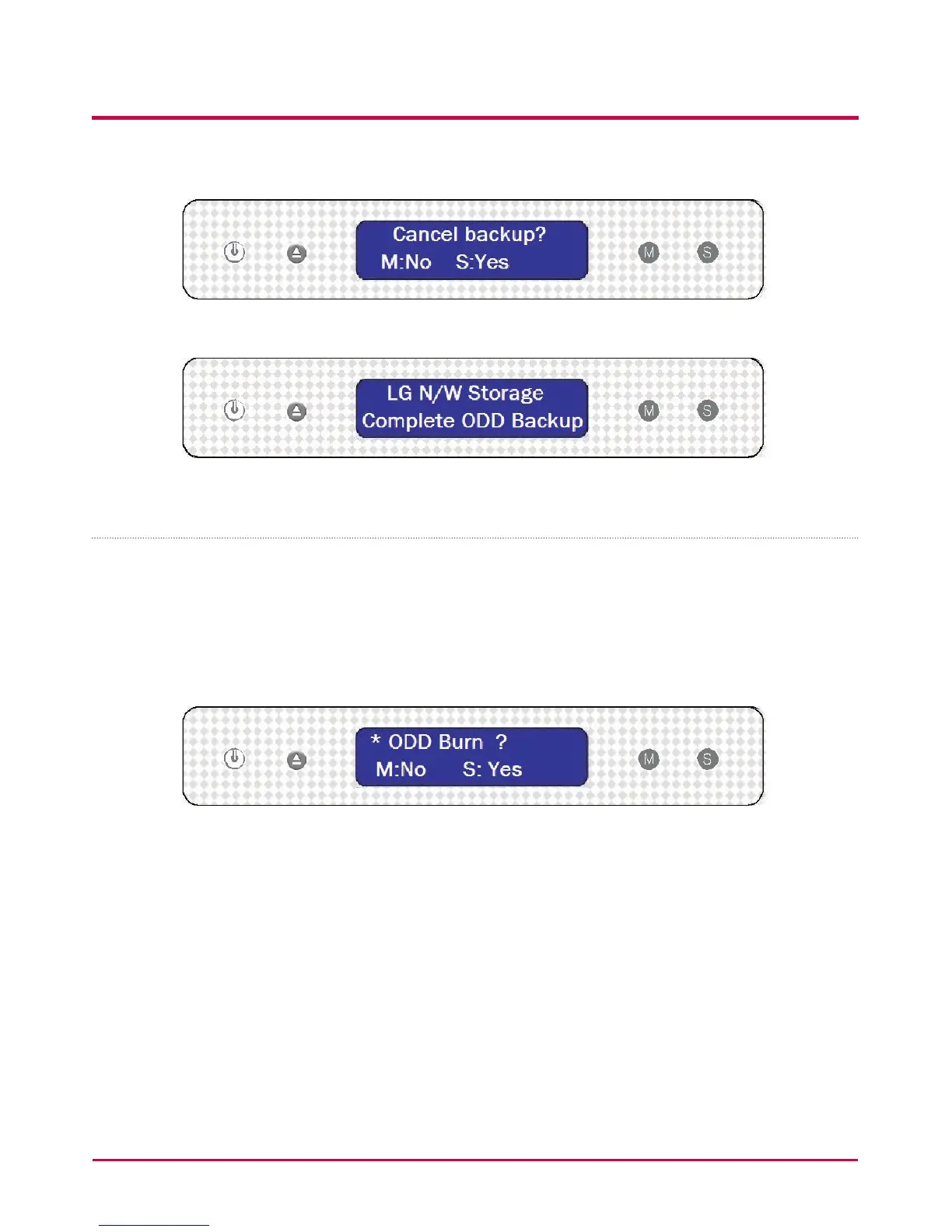
5 During saving, pressing the MODE button will cancel the operation.
6 At the end of the process the following message will appear.
Writing data to disc (ODD Burn)
The LG NETWORK STORAGE presents an easy and simple procedure for handling buttons
and their functions, in order to write data to disc.
1 Insert a blank disc into the LG NETWORK STORAGE Blu-ray/DVD drive.
2 On the rst LG NETWORK STORAGE display push the MODE button to indicate the
ODD burn mode.
3 Immediately after the ISO image le selection, press the SET button.
4 The image can be selected by pressing the MODE button. By using the MODE button,
the images saved to the default folder ‘service/Backup/cd-imgage’ can be scrolled
through. The currently selected image is [Select ISO image le/number of all image
les].
- Tip 1) When pressing the ‘MODE’ button and holding for 3 seconds, the scrolling
direction can be reversed.
- Tip 2) When pressing the ‘MODE’ button and holding for 5 seconds, the le selection
to the initial state can be exited.



 To Next Page