4. LG Network Storage Web Menu Use (for LG
Network Storage administrators)
130
Torrent
A P2P le sharing program that allows simultaneous download of les from multiple
locations, Torrent does not have its own search engine, so user must obtain a le in
format .torrent, register to the torrent program and download the le.
To use the Torrent function, user must “Enable” the Torrent from the service menu.
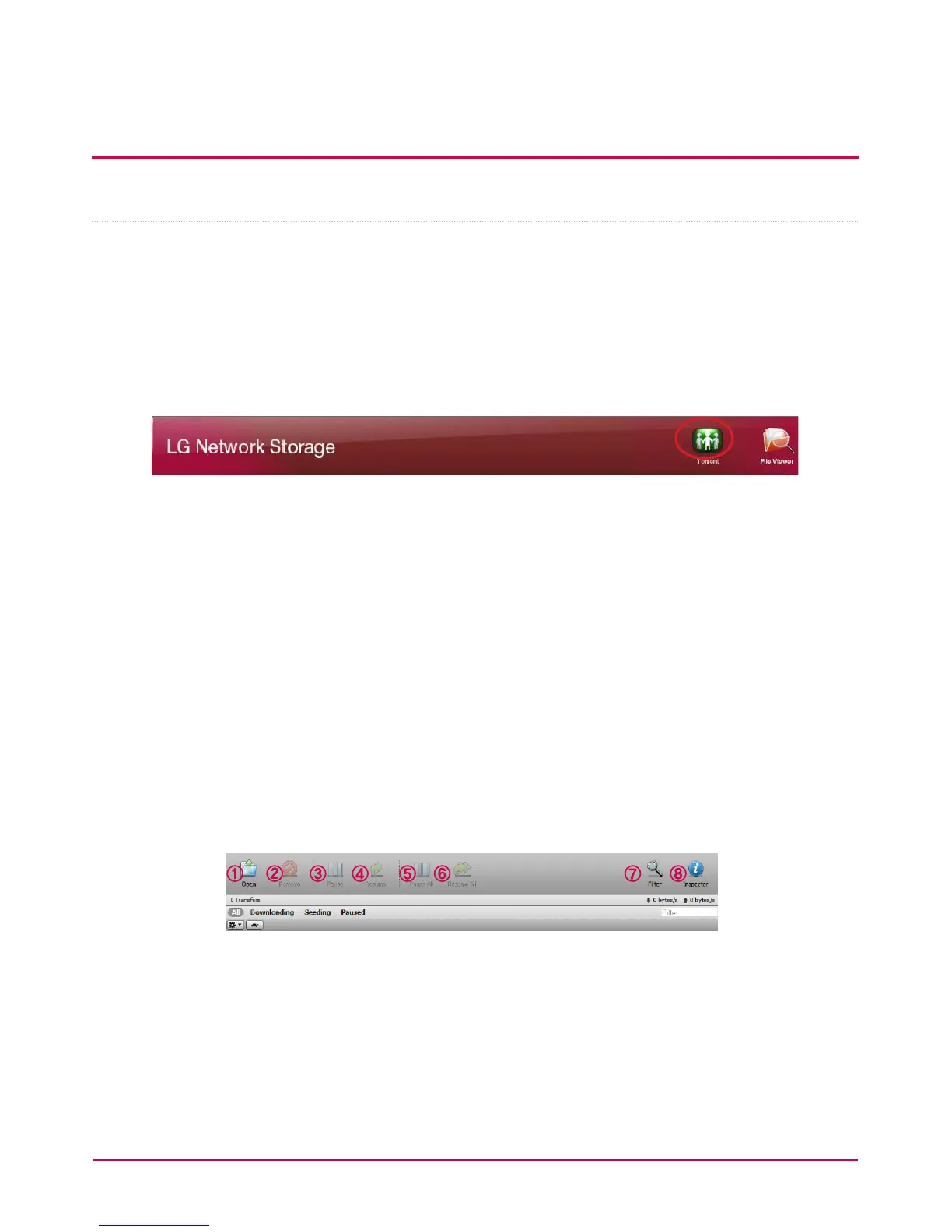
Click on the Torrent icon on the top and open the Torrent program administration
window.
[Download]
1 Click on the Open icon.
2 On the pop-up window:
i. Click the Find button and select the .torrent le previously downloaded.
ii. Or enter the path to the .torrent le in “or enter a URL”.
3 Once completely downloaded, the le can be found in the network folder [Refer to
How to Use the LG Network Storage Network Folder] under \service\Torrent.
[Use]
1 Open: Register the le to download (.torrent).
2 Remove: Removes the selected le from the list. This does not delete the le itself.
3 Pause: Temporarily stops the downloading process of the selected le.
4 Resume: Resumes the downloading process of the selected le temporarily stopped.
5 Pause all: Temporarily stops the downloading process of all les.
6 Resume all: Resumes the downloading process of the all les temporarily stopped.



 To Next Page