4. LG Network Storage Web Menu Use (for LG
Network Storage administrators)
129
4 Log out when done.
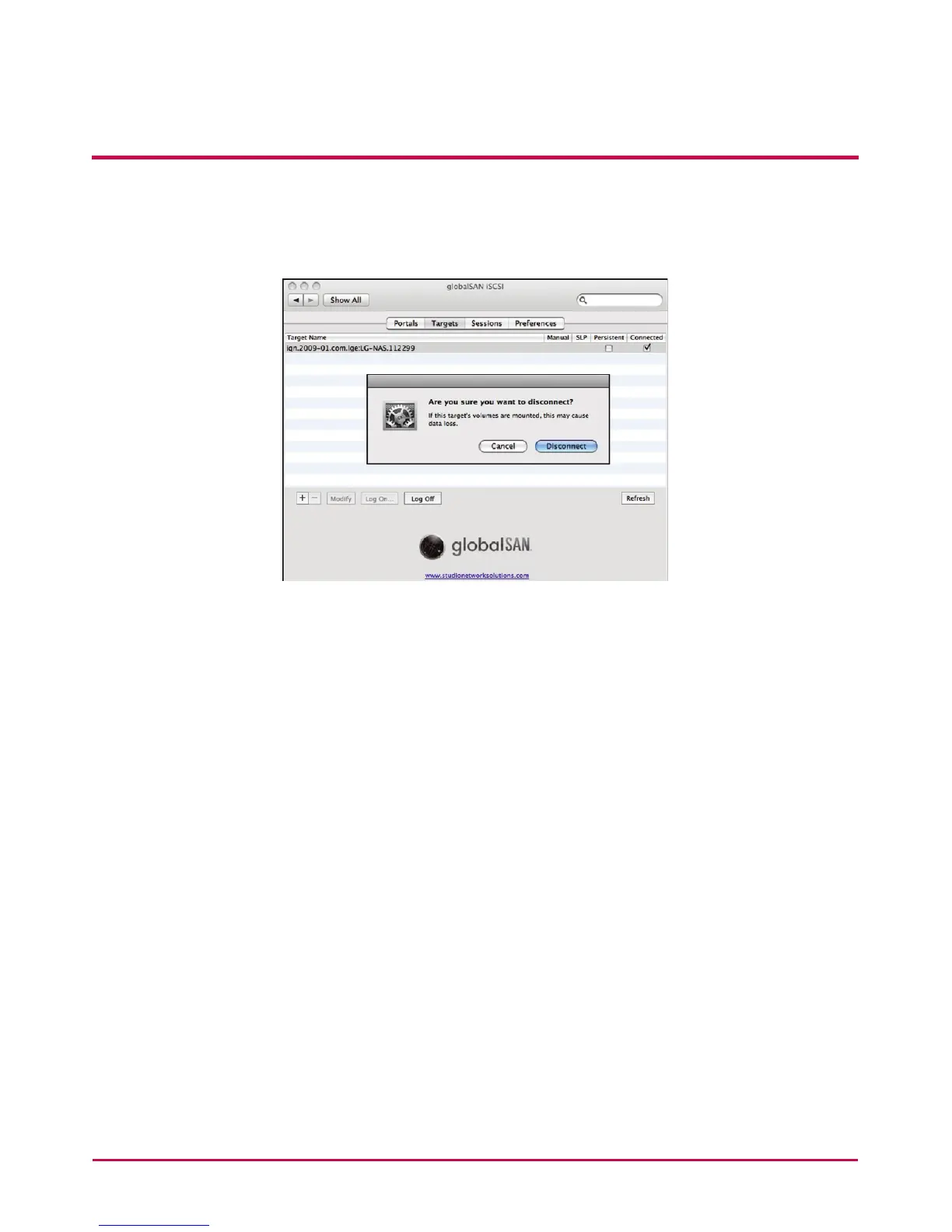
Go to globalSAN iSCSI -> Targets, select the relevant target name and click
“Log O. . . .” and then “Disconnect” on the pop-up window.
* Notes
Because the LG Network Storage Blue-ray drive network connection allows any
logged-in user to use the program, it is important that other users are not interrupted.
For example, in the case that other users are burning data using the Blue-ray drive, it
is recommended to avoid commands that may interfere with the work, such as “open
tray”.
In addition, if data writing/reading on the LG Network Storage is in progress through
the network drive connection, there may be substantial data transfers within the
network and cause diculty in data transfers through the iSCSI, resulting in slower
and limited writing/reading speed per disk.
B Website
http://www.studionetworksolutions.com



 To Next Page