4. LG Network Storage Web Menu Use (for LG
Network Storage administrators)
70
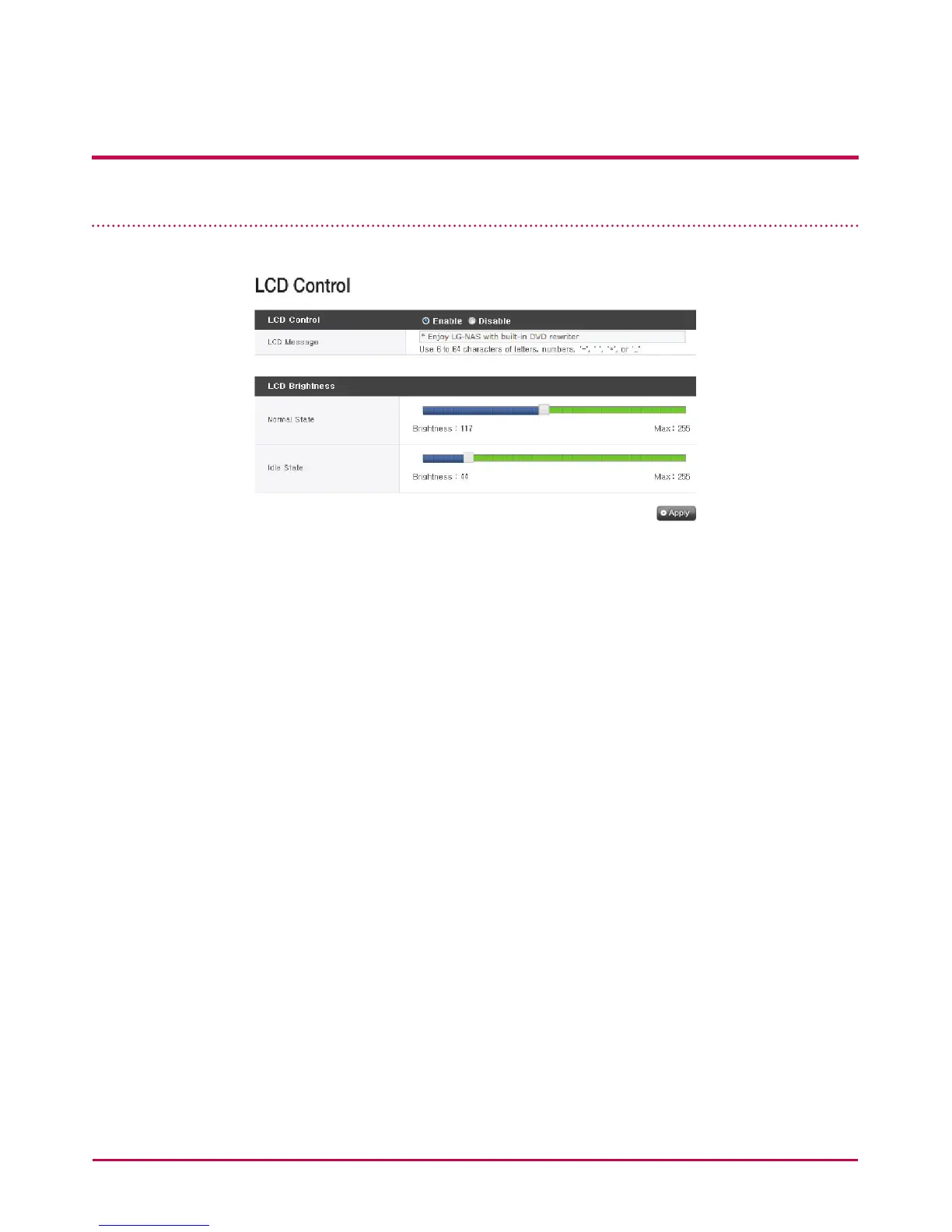
LCD Control
Modify text on the LCD screen or LCD screen’s brightness on the LCD control menu.
[LCD control]
It is possible to activate or de-activate the LCD control function.
In case of de-activation, default value is set.
[LCD message]
Sets up the text that appears on the LCD screen.
It is possible to set 6 ~ 64 characters, and only the alphabet, number and signs such as ‘-’, ‘ ’,
‘*’ or ‘_’ can be used.
[LCD brightness]
LCD screen’s brightness can be adjusted from 0 (turned o) to 255 (most bright). However,
level of brightness is not exactly proportional depending on the number.
Normal state
State that results when the function is activated by pressing on the button at the front
part of the NAS is referred to as the ‘normal state.’ Applicable set-up value manifests the
brightness of the LCD screen when it is at the ‘normal state’



 To Next Page