4. LG Network Storage Web Menu Use (for LG
Network Storage administrators)
60
Power
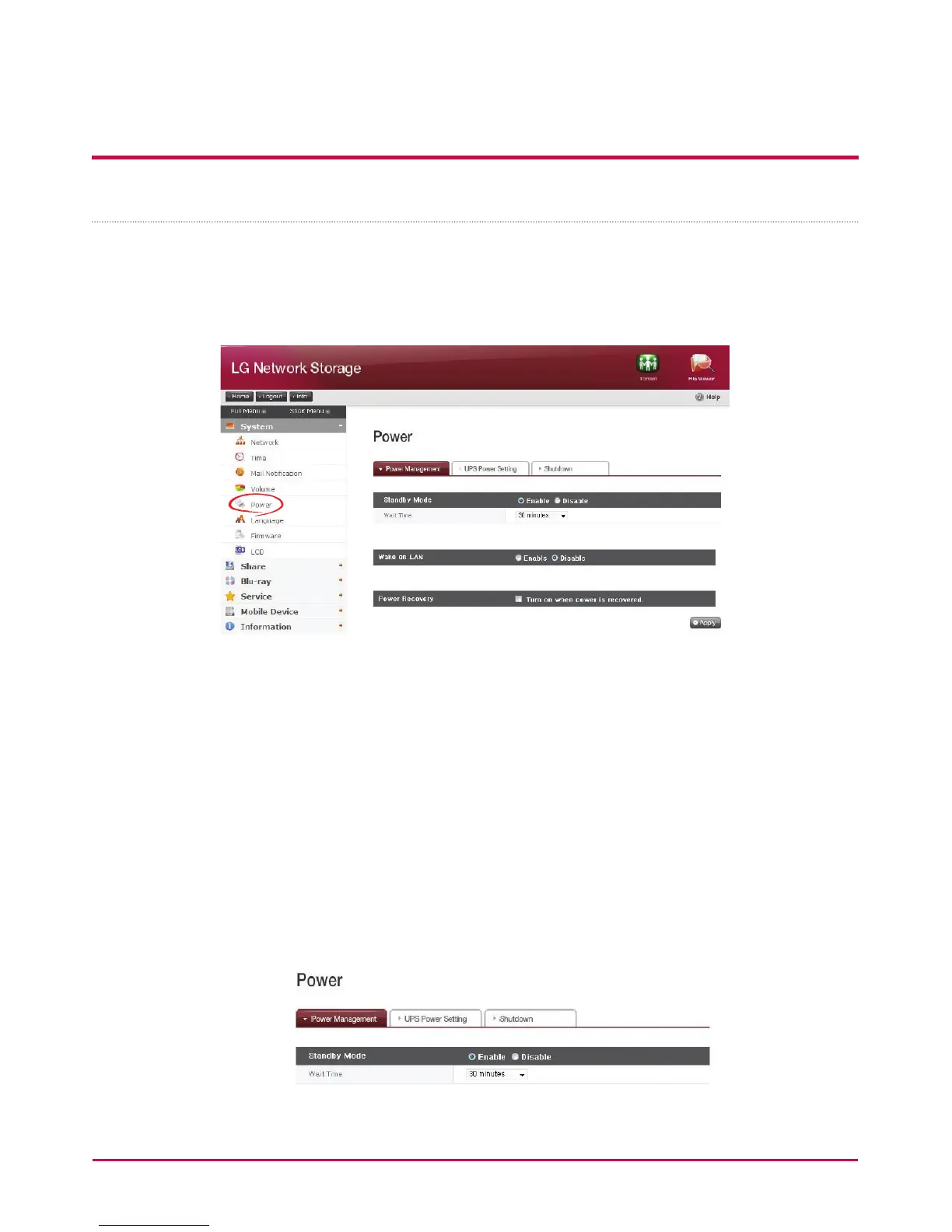
Settings related to power for the LG NETWORK STORAGE can be adjusted (Power
management, UPS and, System Shutdown).
Standby Mode
Standby Mode puts all hard disks installed in LG Network Storage in the Standby Mode
when there is no data transfer in LG Network Storage for a certain period of time, in order
to minimize power consumption.
When reading or writing data in LG Network Storage in the Standby Mode, the hard disk in
LG Network Storage will activate and be ready to use after 3 to 15 seconds.
* It is recommended to set to Standby Mode when you are away or not using NAS for a
long time.
1 Check ‘Enable’ to select standby mode, or ‘Disable’ to deactivate. When selecting
‘enable’. Proceed to the next step.



 To Next Page