2. LG Network Storage Installation
27
PC application program installation
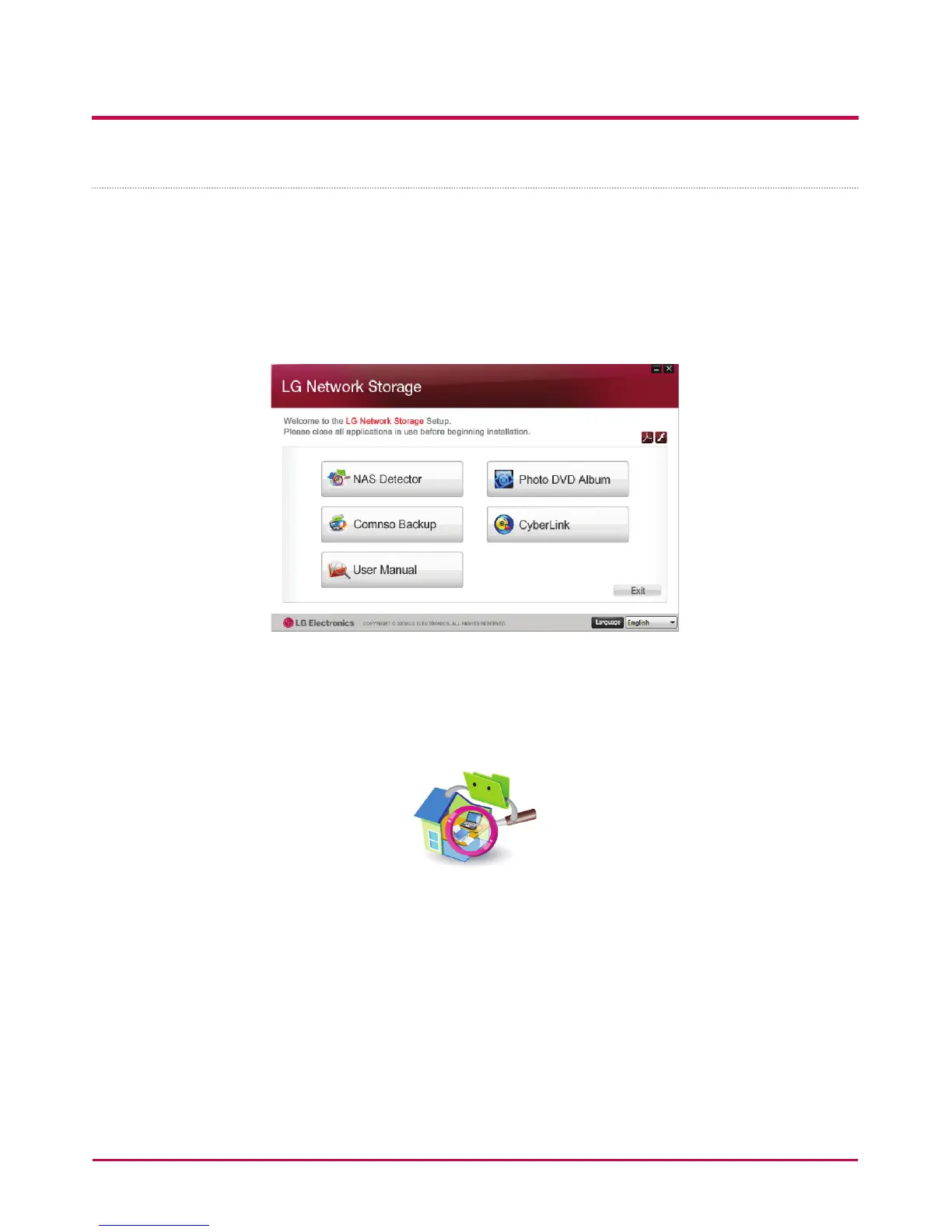
1 Insert the “LG Network Storage PC Software Installer” CD in the PC’s optical drive
(CD/DVD/BD drives). After a short while, the following menu will appear.
* Installation on PCs without a ber optic drive may be processed using the iSCSI
function of LG Network Storage. Please refer to 4 Service – iSCSI.
2 Click the “NAS Detector” button and install “NAS Detector” on the user’s PC.
After installation the shortcut icon will appear.
3 To install the “Comnso Backup” program, click on the “Comnso Backup” button.
4 To see the LG Network Storage User Manual, click on the “User Manual” button.



 To Next Page