4. LG Network Storage Web Menu Use (for LG
Network Storage administrators)
107
* If the router does not support the UPnP port forwarding function or the function is
deactivated, the UPnP port forwarding may not perform properly.
Network Printer
The network printer can be used by connecting the USB printer to the LG Network
Storage.
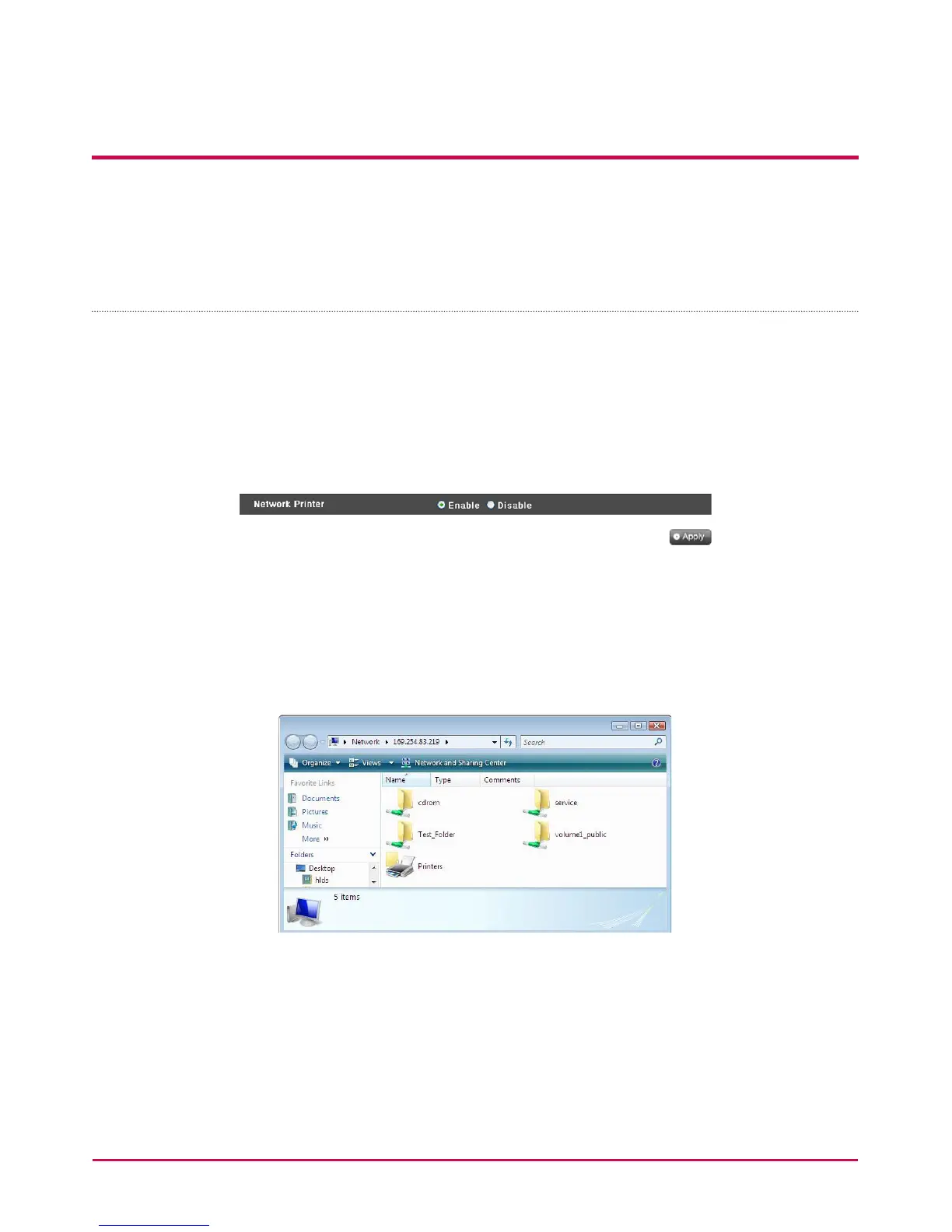
1 Select Service > Network Printer from the administrator’s web menu.
2 Check “Enable”, click the “Apply” button.
[Windows users]
1 In the web menu go to “Enable” to connect the network printer, after which an LG
Network Storage printer icon appears.
2 Doubling clicking on the icon shows the progress of the printer driver installation. For
installation issues refer to the printer manual.
3 If installation is unsuccessful use the network printer service.


 To Next Page
 Loading...



