7. LG Network Storage Maintenance
182
Administrator password and network set up initialization
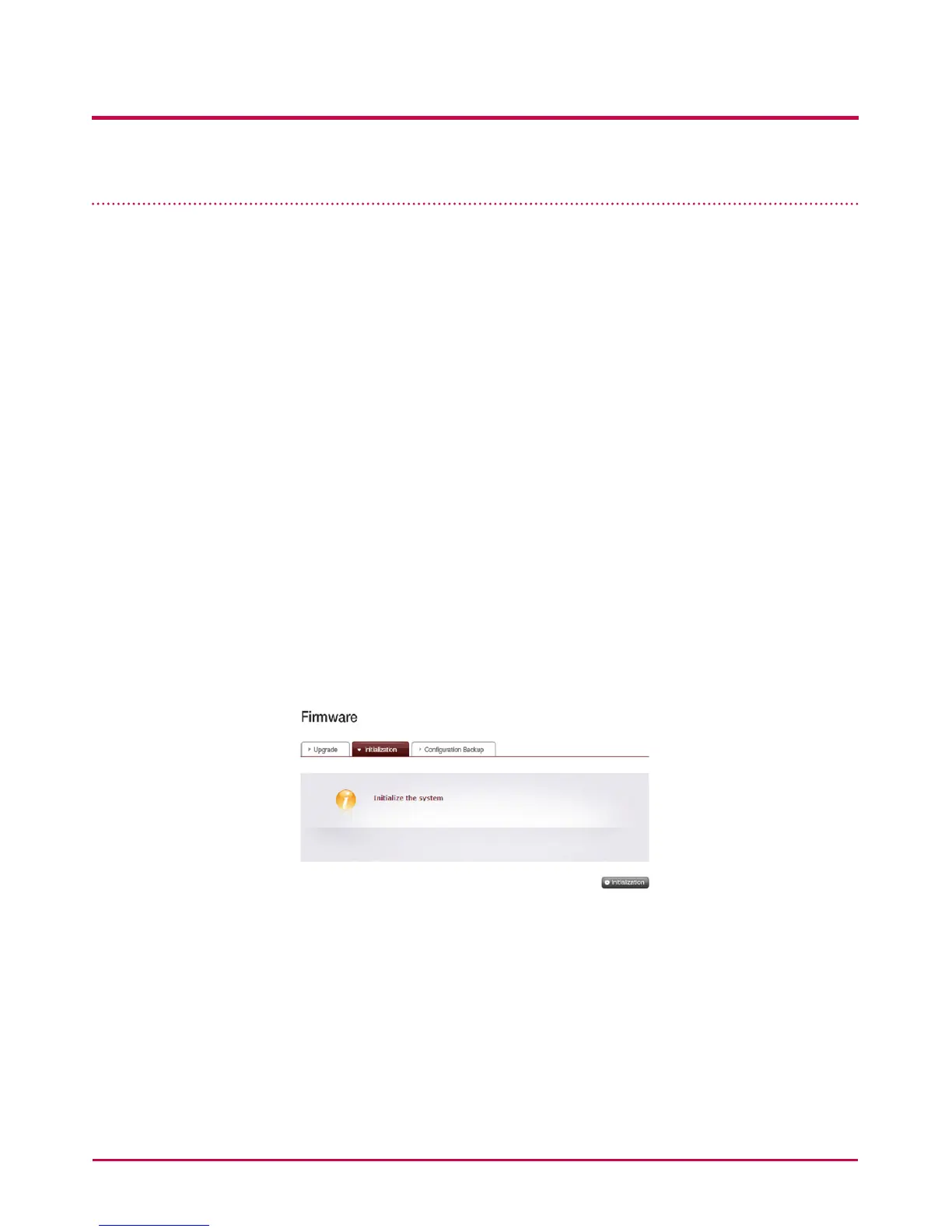
Open the administration web menu and go to the ‘Initialization’ tab of the ‘System >
Firmware’ menu. Following the explanation, push the ‘Initialization’ button and initialize
the default system values.
Warning: As this time all registered user information and data will be deleted, and
cannot be recovered.
• LG Network Storage default value initialized items
1. System administrator ID, password: admin, admin
2. Network set up /TCP/IP conguration: DHCP mode will be set up as default mode
3. Network setup/Ethernet Frame Size : Jumbo frame inactivity
4. System device/IP lter: All connections are allowed
5. RAID components
6. Service set-up value
7. User/folder/group list
• Log in to the LG Network Storage using the default user name and password: ID:
admin, password: admin



 To Next Page