4. LG Network Storage Web Menu Use (for LG
Network Storage administrators)
67
[Blu-ray/DVD Drive Firmware Upgrade]
1 Verify connection to the Internet and download the rmware for the Blu-ray/DVD
drive attached to the LG Network Storage from the product site linked below.
B http://www.lge.com
2 Select the Blu-ray/DVD drive rmware downloaded from the product site.
3 Install selected Blu-ray/DVD drive rmware.
4 When upgrade is nished, the version of installed Blu-ray/DVD drive rmware will be
indicated
* For stability of data, a backup of the LG Network Storage is strongly recommended
before upgrading. Installation takes between 1 to several minutes. Advance access of
other client users to the LG Network Storage while upgrading rmware is forbidden.
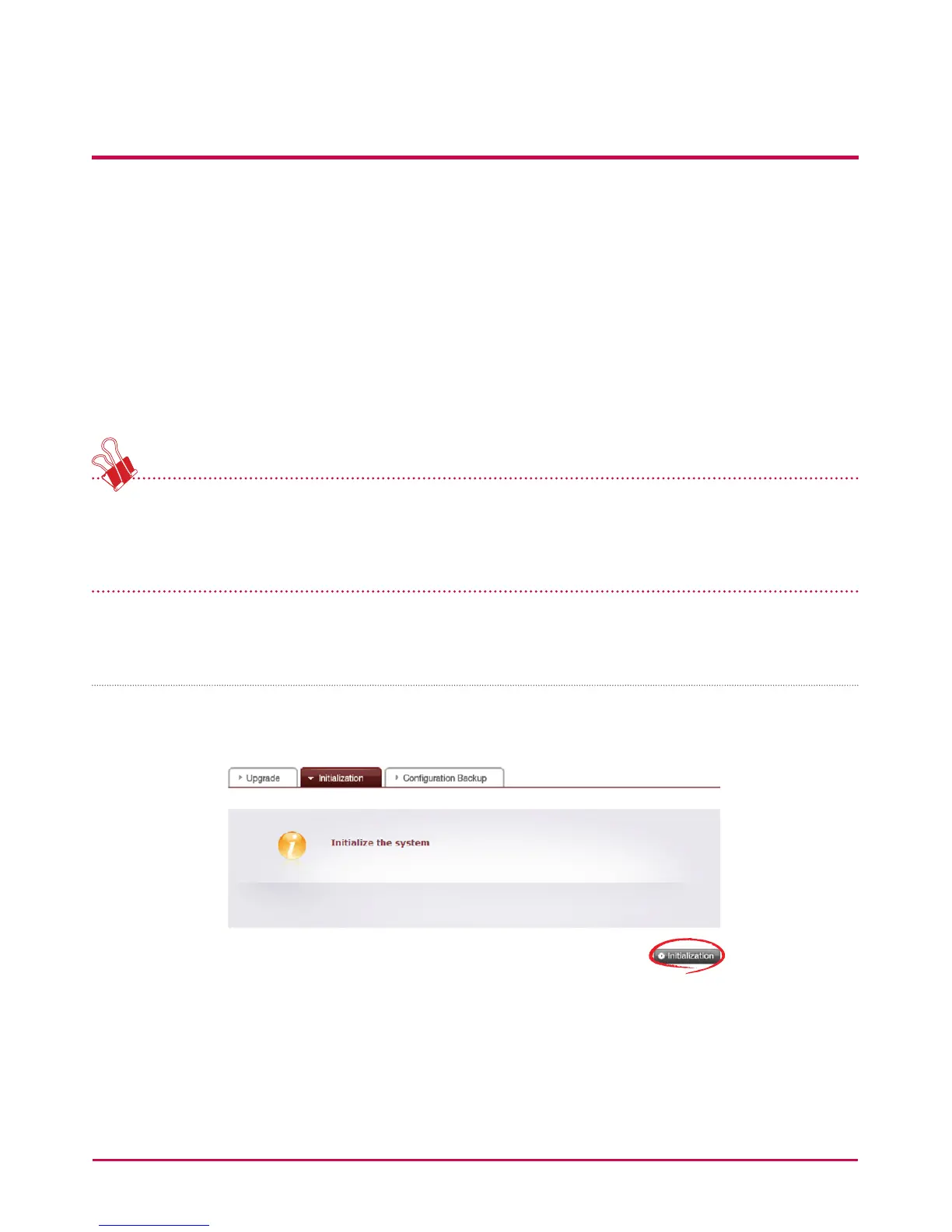
Initialization
LG Network Storage initialization function. Clicking on the ‘Initialization’ will Initialize the
system.



 To Next Page