3. LCD panel and front button usage
40
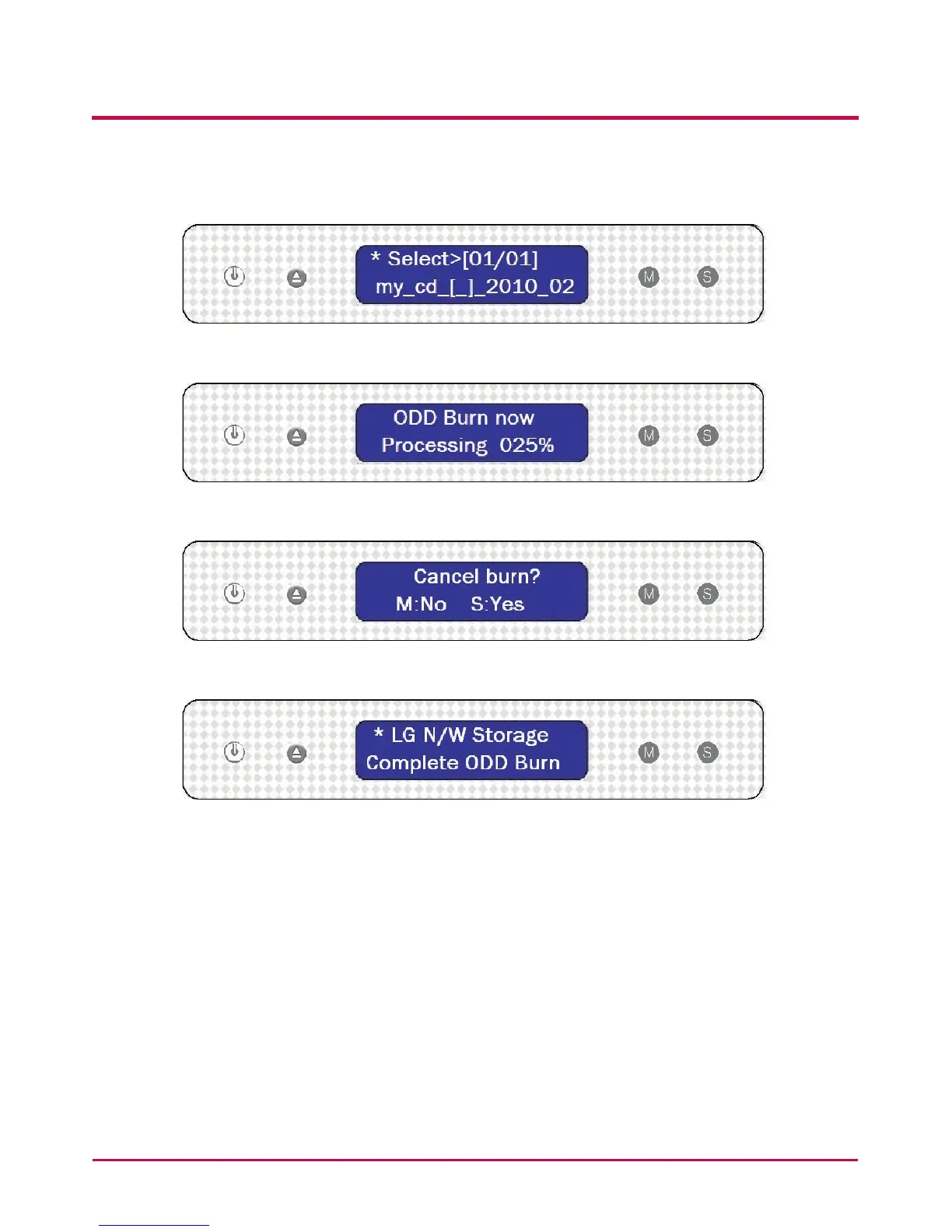
5 The required le can be found by using the MODE button and then using the SET
button to begin the image le writing process.
6 The percentage completed will be displayed on the LCD.
7 During the writing process, pressing the MODE button will cancel the operation.
8 When the process is completed the following message will appear on the LCD.



 To Next Page