2. LG Network Storage Installation
30
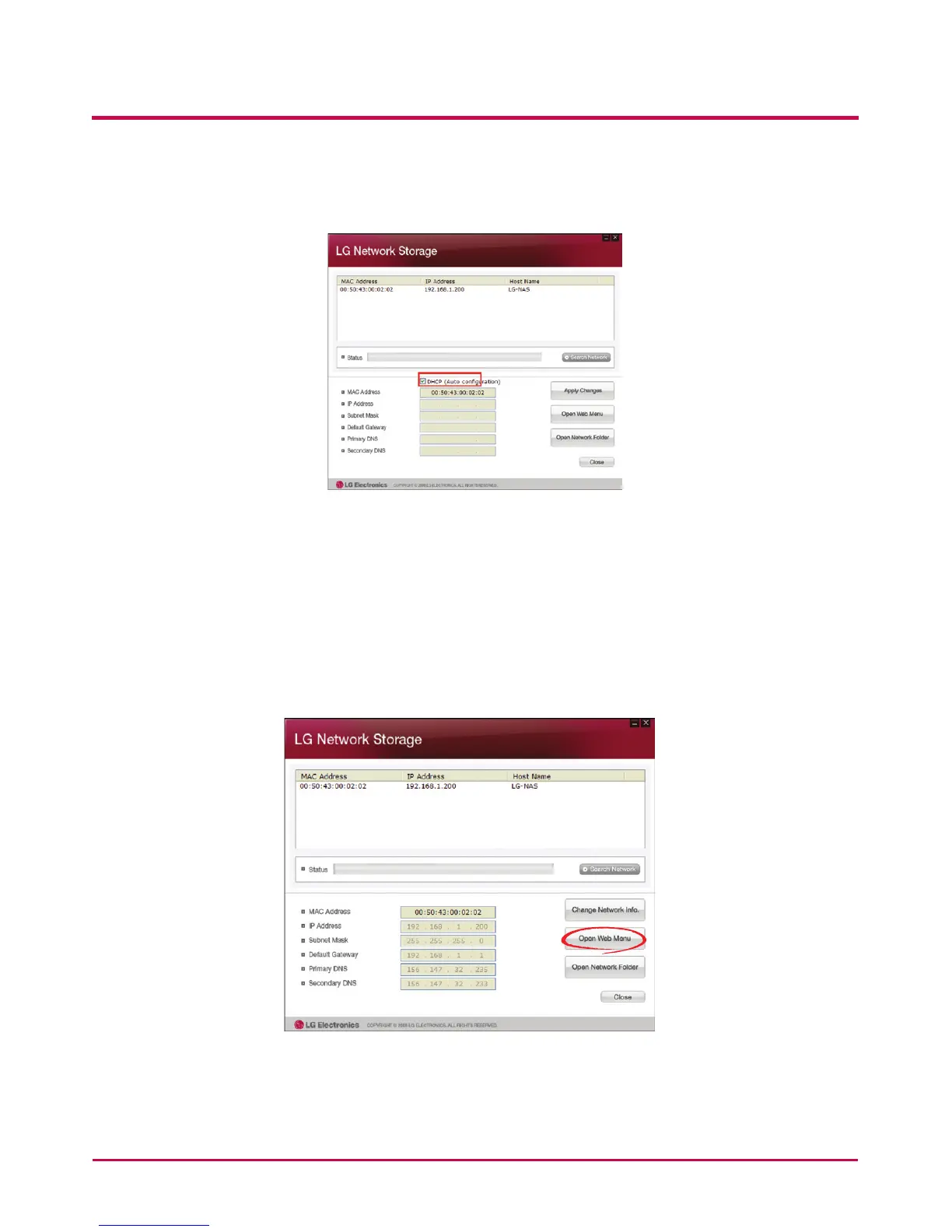
4 ‘Change Network Info’ can be selected to change the IP address.
The DHCP selection option appears if a router is used or if there is a DHCP server on
the network.
* If no IP address is allocated, use the IP address “NAS Detector” or check the DHCP
option and automatically assign an IP address
5 If the ‘Open Web Menu’ button is clicked, the web menu of the selected LG Network
Storage can be accessed.



 To Next Page