4. LG Network Storage Web Menu Use (for LG
Network Storage administrators)
72
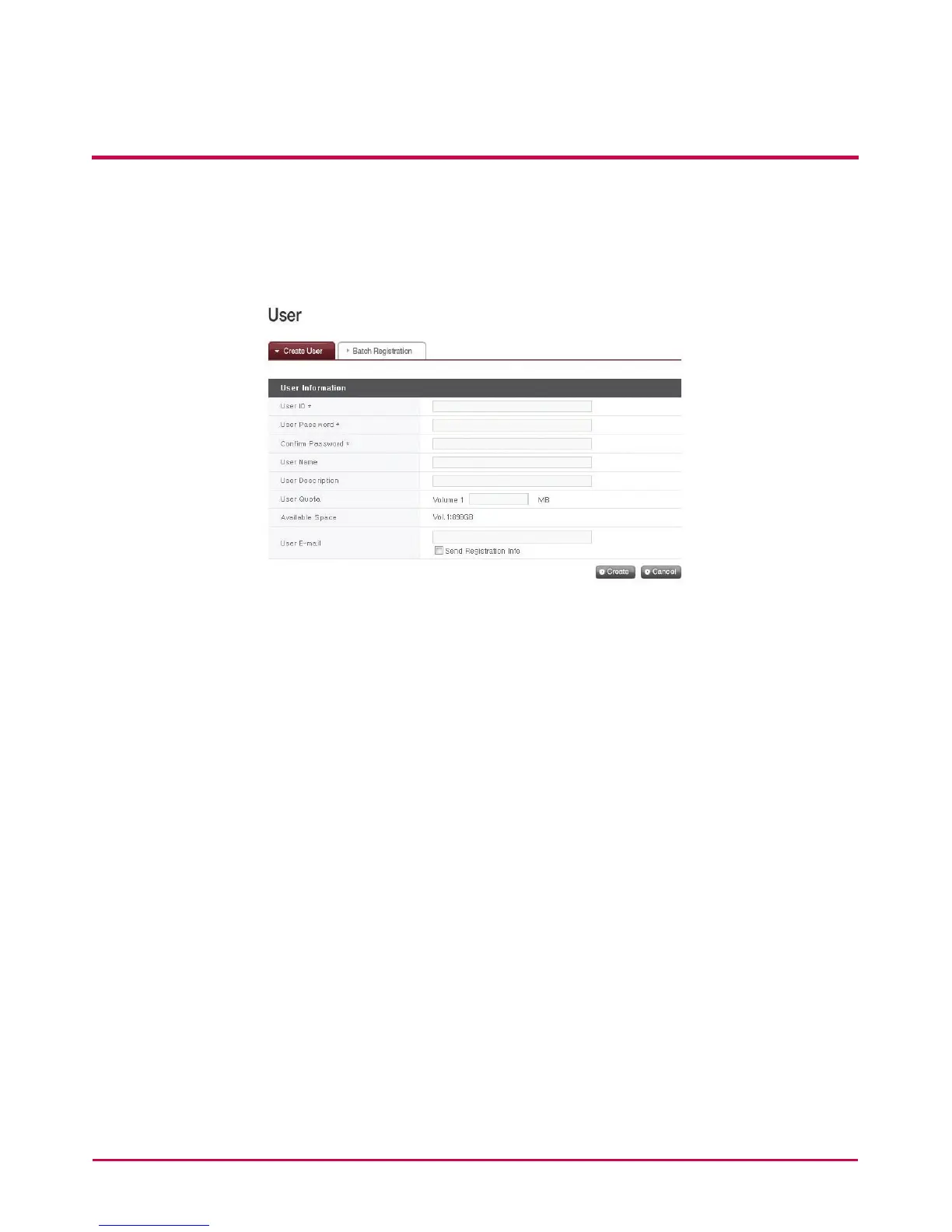
[Create User]
1 Click on the ‘Create User’ button.
2 Enter user ID. User ID cannot be overlapped.
3 Enter user password.
4 Enter user password again for conrmation.
5 Enter user’s name.
6 User description can be added.
7 Enter the writing quota for user’s disc.
8 Show free space of the current volume.
9 Enter the user’s email address.
As long as mail server settings are correct, the registration result will be sent to he entered
e-mail address. For details concerning mail server settings, refer to <mail Notication>.



 To Next Page