4. LG Network Storage Web Menu Use (for LG
Network Storage administrators)
73
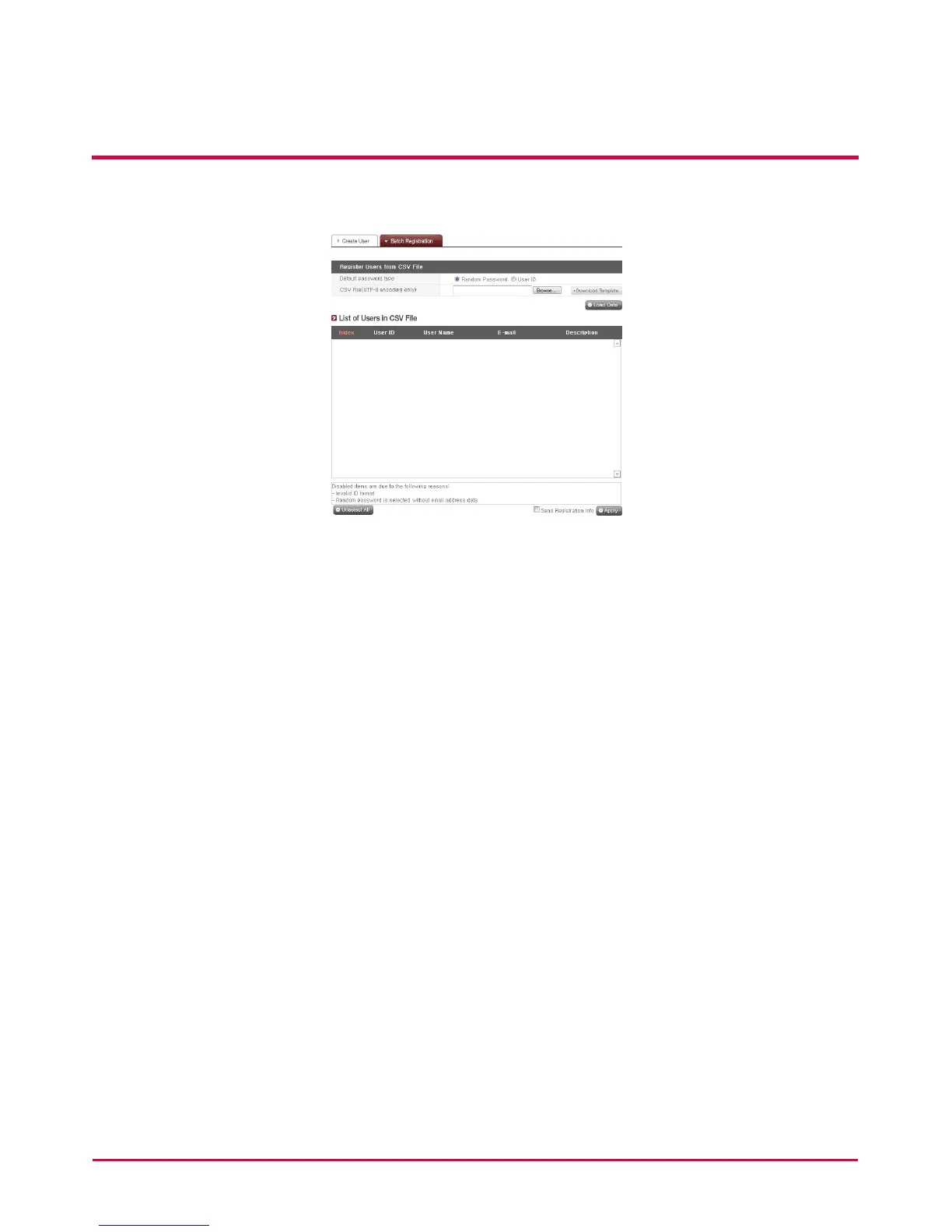
Batch registration
1 Click on the ‘add user’ button.
2 Click on the ‘bulk registration’ tab at the upper part.
3 When the password in the CSV le is empty, select the ‘basic password set-up method’
to use.
- Random password: Generates 12 digit password arbitrarily. Generated password is
set to the applicable user’s e-mail address.
- User ID: Password is set the same way as that of the user ID.
4 Select the CSV le to register. Only the text document with UTF-8 encoding can be
used.
- Click on the ‘download format le’ to get download. Then, correct the downloaded
le in person or draft new document by referring to the format. Must store with the
UTF-8 after drafting
Caution: Caution is required when CSV is edited using Excel.
(1) When editing on the Excel is completed, store into the csv (separate with
punctuation mark)(*.csv) format.
(2) Open the le saved in the Excel with the editing program such as the memo.
Then, re-store after aligning the encoding to the UTF-8.
5 Click on the ‘read le ‘ to inspect and upload the selected CSV le.



 To Next Page