4. LG Network Storage Web Menu Use (for LG
Network Storage administrators)
100
disc in the drive will be initialized.
<Manage Restoration History>
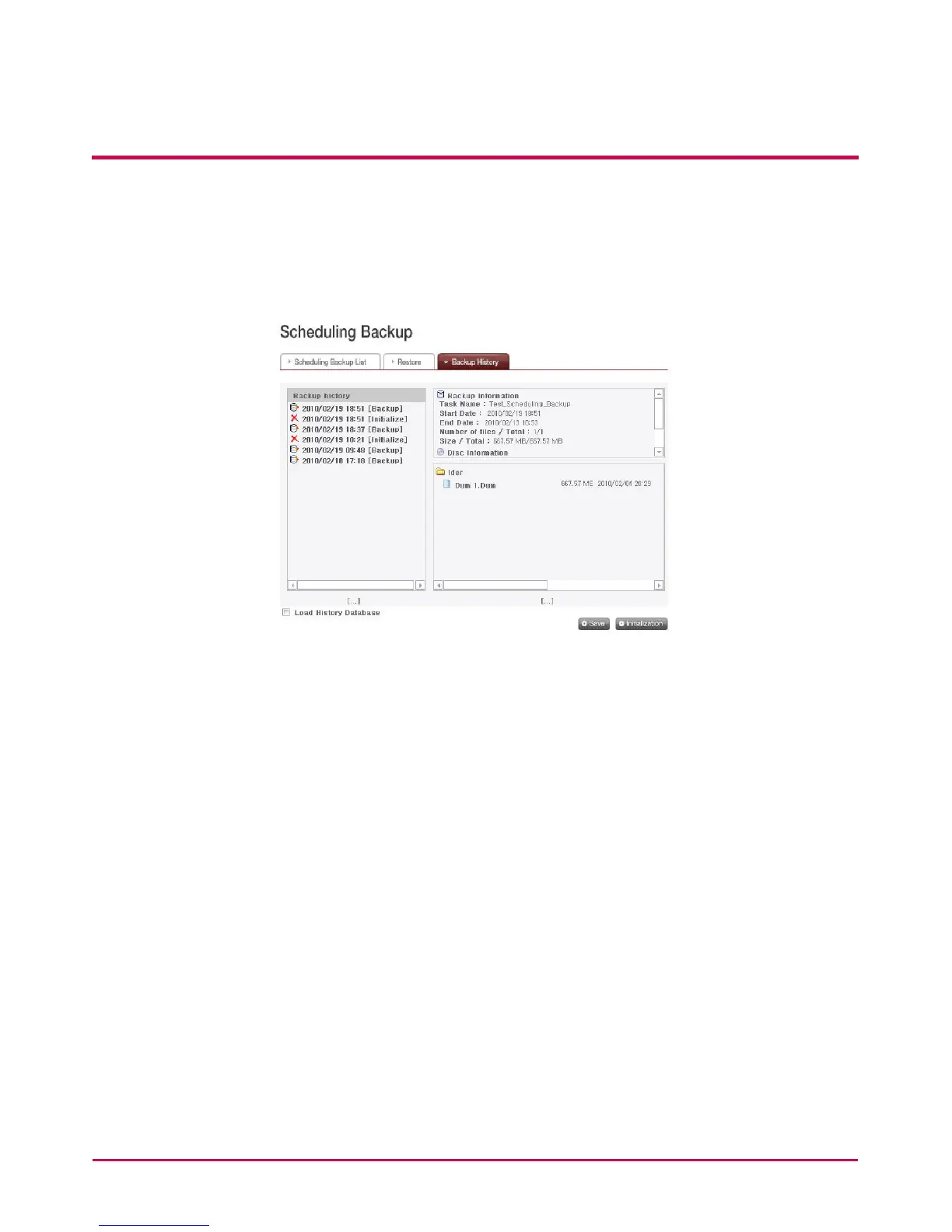
You check and manage history of backup and initialization on ‘Backup History’ menu.
‘Backup History’ menu shows backup history, backup information and backup le
information.
1 To delete the entire backup history, click ‘Initialization’ button.
2 Click ‘Save’ button to save database on backup history in the user’s computer.
3 Database for backup history saved in the user’s computer can be restored in NAS.
To restore backup history, rst put a check on ‘Load History Database’ checkbox, specify
database saved in the user’s computer and click ‘Restore’ button.



 To Next Page