4. LG Network Storage Web Menu Use (for LG
Network Storage administrators)
99
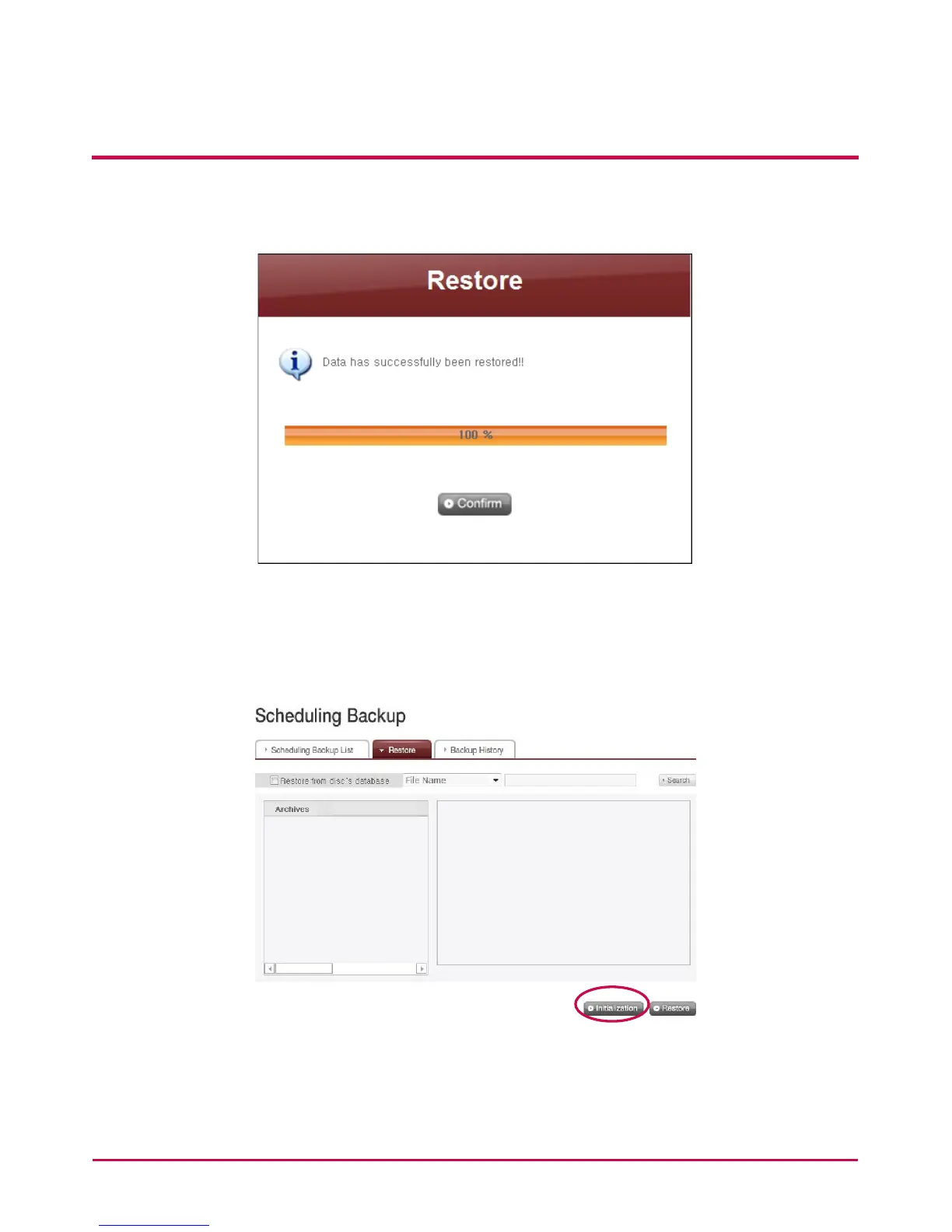
backed up. When all data are restored, the screen below will pop up to inform the
completion of restoration.
<Initialize Backup Schedule>
To start backup schedule, initialize backup status by clicking ‘Initialization’ button on
‘Restore’ tab. During initialization, below will be done.
1 Initialize backup database.
2 Initialize the backup disc.
Be cautioned during initialization as the previous backup database will be deleted and the



 To Next Page