2. LG Network Storage Installation
25
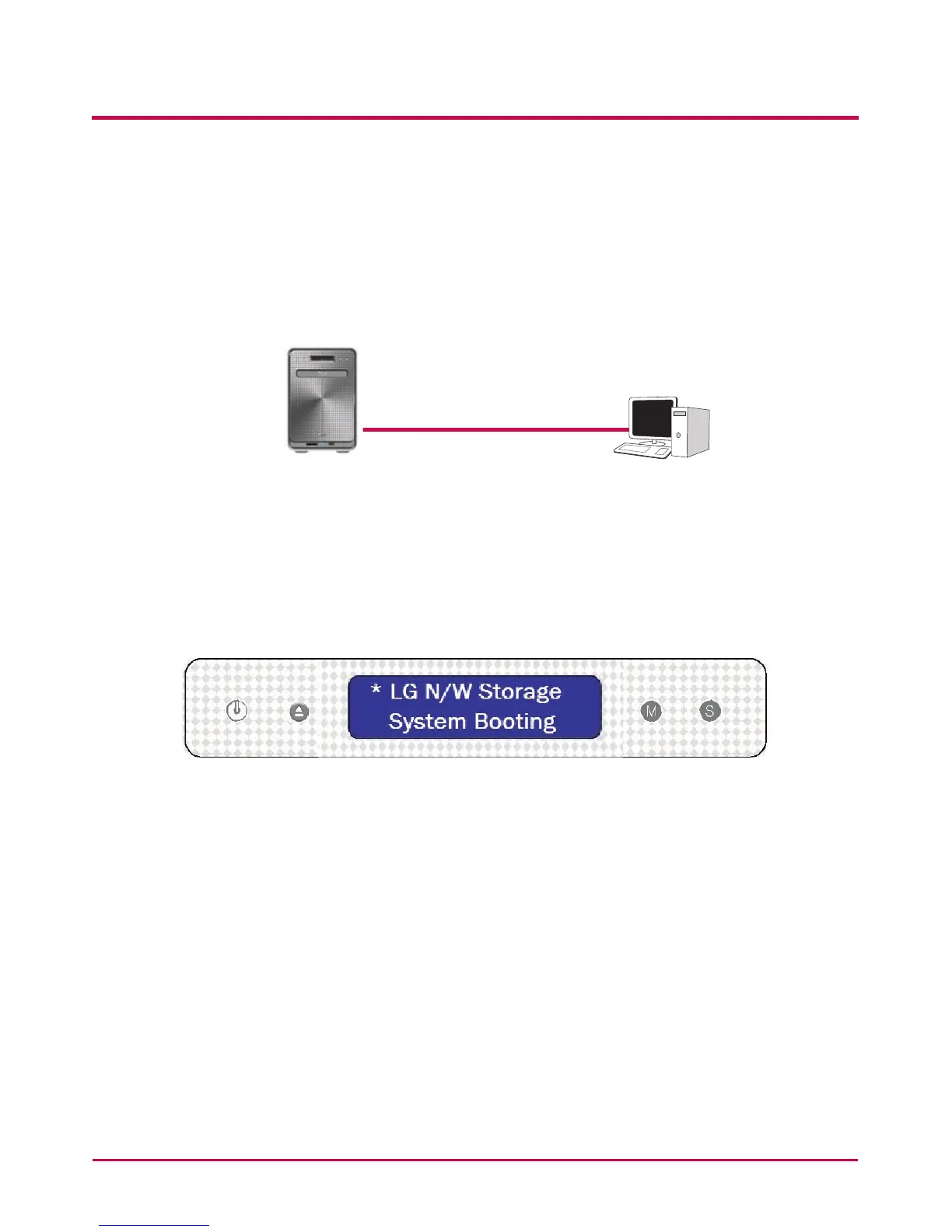
B. If the LG Network Storage is connected directly to the PC without another
network device,
it must be connected directly to the PC using a LAN cable, the LG Network Storage
IP must be set to DHCP, the PC’s IP set to automatic setting and the network will be
automatically set up after approximately 2 minutes
LAN Cable
Desktop PC
LG Network Storage
* If the LG Network Storage is directly connected to the PC through a LAN cable, the
PC’s local internet will not be accessed In this case, PC Internet may be disconnected.
2 After checking that the LG Network Storage power cable has been connected, press
the power button in the front to activate the LG Network Storage.



 To Next Page