4. LG Network Storage Web Menu Use (for LG
Network Storage administrators)
76
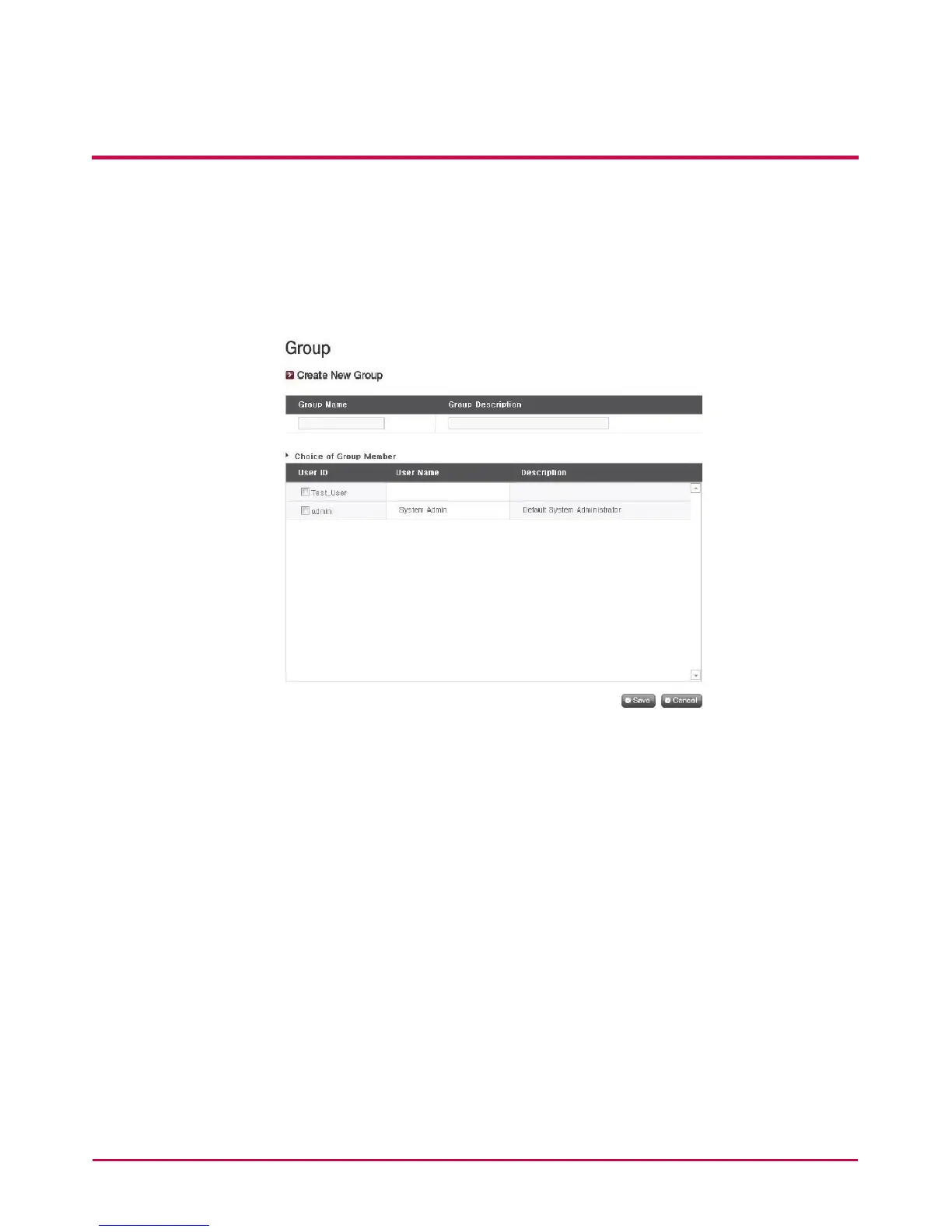
[Creating a New Group]
1 Click on the ‘Create New Group’ button.
2 Enter group name.
3 Enter group description.
4 Select user to be added to the group by clicking on the corresponding checkbox.
To remove a user from the group, deselect the user by clicking on the the checkbox
again.
5 When user selection is done, click on the ‘Save’ button to create the group.



 To Next Page