4. LG Network Storage Web Menu Use (for LG
Network Storage administrators)
111
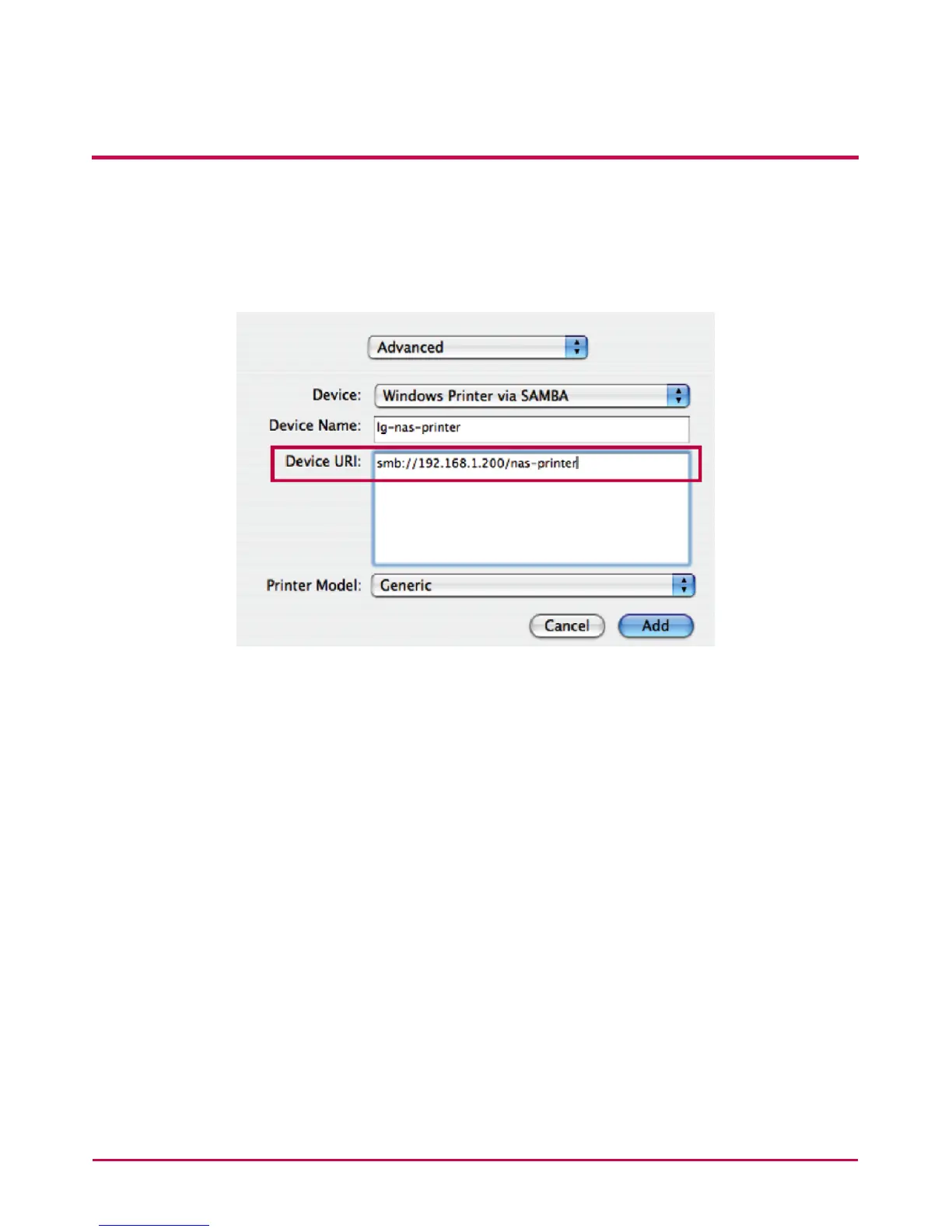
iii. Input the printer URI. The form name is smb: /LG Network Storage IP/printer.
The printer name can be found in the Device Conguration(device cong)/ USB
Printer page.
iv. In Printer Model, select Generic.
v. Click Add.
* By pressing the alt key while clicking on More Printers, a range of printers can be
seen. There are no other options.
vi. The printer appears in the printer list. Now the printer is ready for use.
* Linux users must consult the OS manual, or inquire at the printer company.


 To Next Page
 Loading...



