6. LG Network Storage via network drive
172
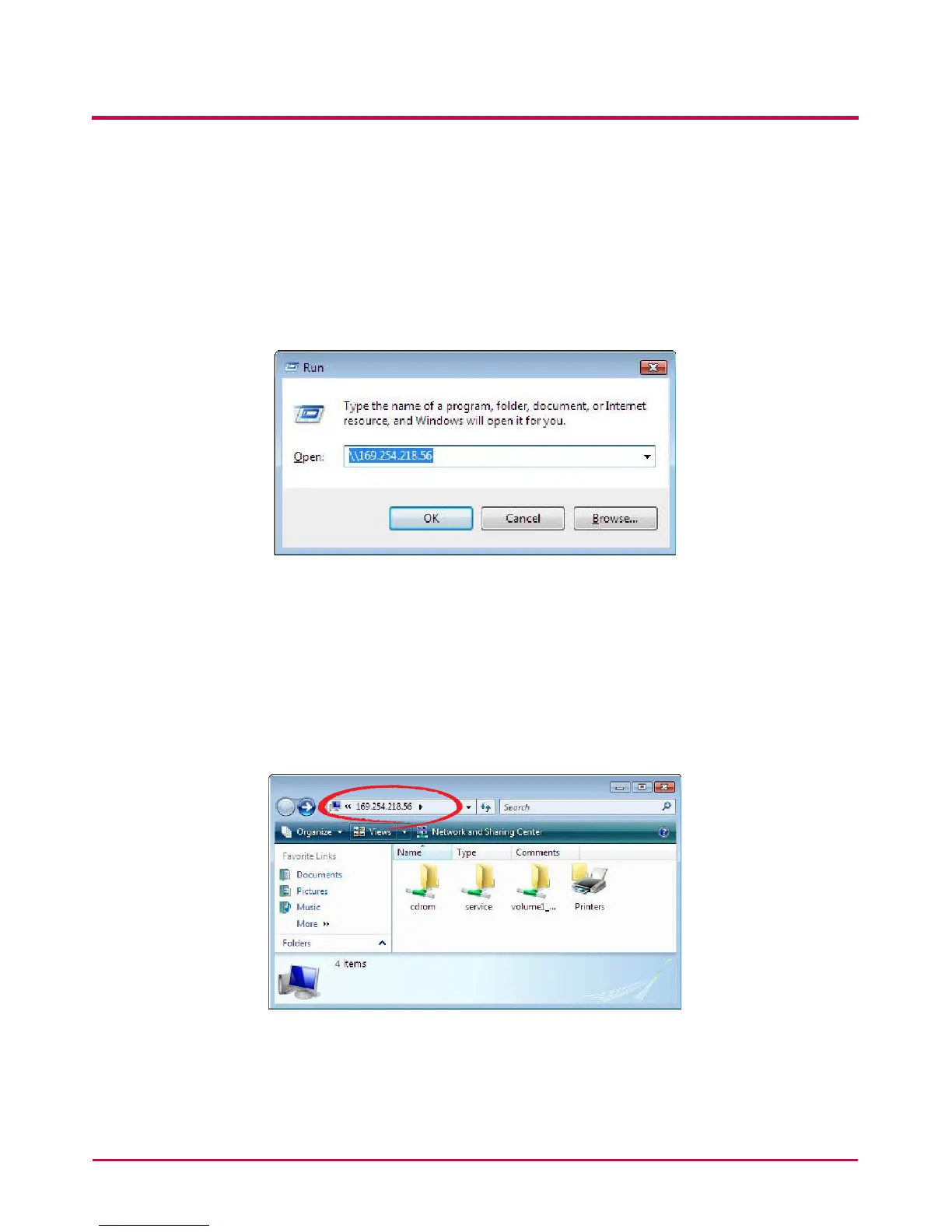
Windows OS “Execute” function use
Clicking on “Execute” in the Windows OS can start a new menu with inputting the \\IP
Address to the LG Network Storage can be accessed. If IP address is unknown, refer to
<Use Application Program> or <LG Network Storage Information Conrmation>.
Windows File Sharing Use
Open the web browser and input “\\IP address” in the address bar. The server can
be accessed after the log in. If the IP address is unknown, refer to <Use Application
Program> or <LG Network Storage Information Conrmation>.


 To Next Page
 Loading...



