2. LG Network Storage Installation
32
< Using the LG Network Storage web menu >
The web menu o ers LG Network Storage management features such as Network
Information, Share management, and Service management. It also o ers menus to setup
data storing using Blu-ray/DVD drives and synchronized storage of mobile devices.
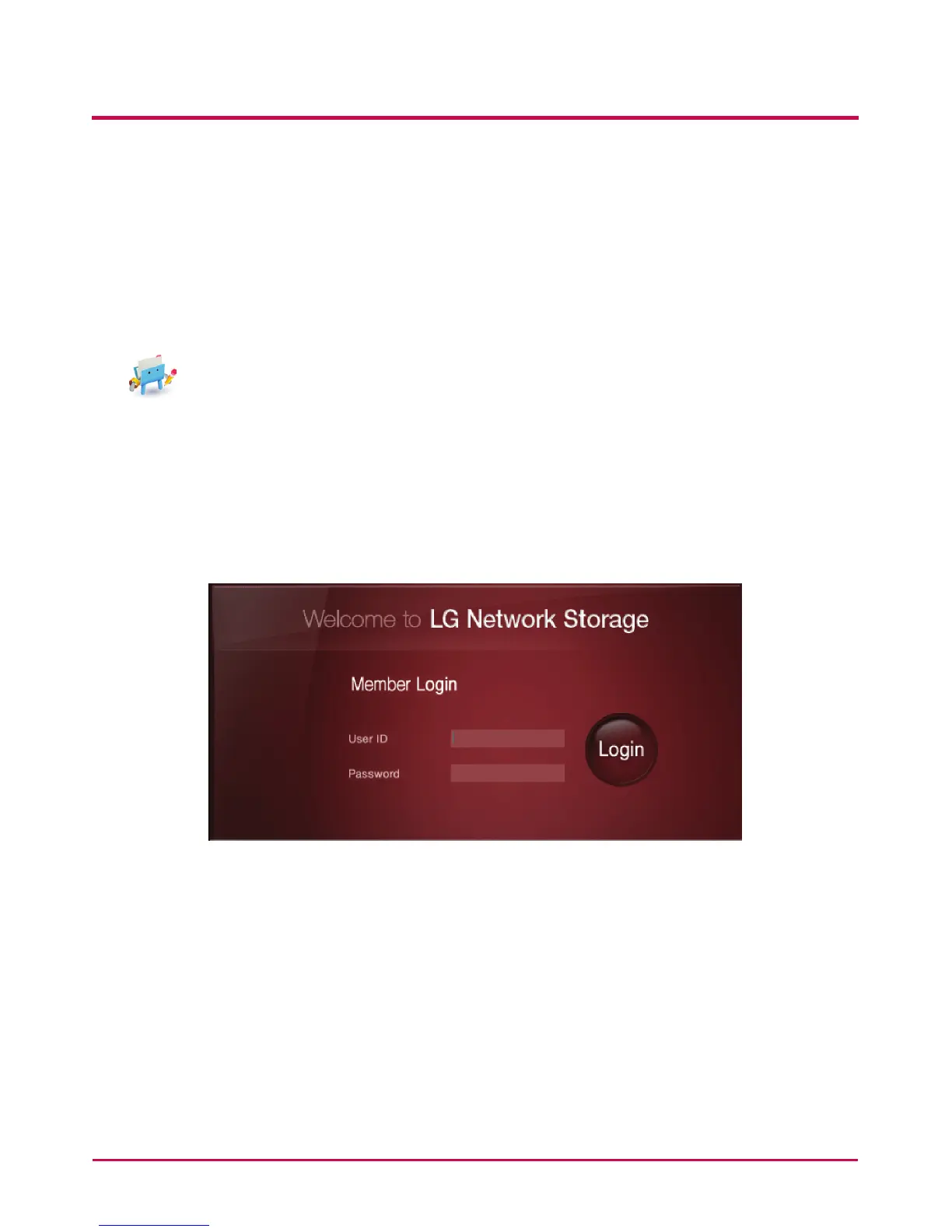
1 Double click on the LG Network Storage web menu shortcut button.
2 The LG Network Storage web menu can be used, after inputting user ID and password.
The LG Network Storage default ID and password are ‘admin’ and ‘admin’.
* A system idle for 20minutes after log-in will automatically log o for security
purposes.



 To Next Page