4. LG Network Storage Web Menu Use (for LG
Network Storage administrators)
91
Backup is done by le, and it is possible to select ‘Incremental Backup and ‘Full
Backup’. When backup is done, a new folder named ‘YearDateHourSecond’, based
on the date of backup will be created, and the folders and lers within that folder
will be backed up.In case you select ‘Incremental Backup’, only the les that have
been newly added or changed since the rst backup will be backed up.
7) Check for errors in the le written on the disc after burning.
8) Click ‘Open’ button for detailed setting.
9) It is possible to designate extension for the le to be backed up. When you select a
‘Picture File’ or a ‘Document File’, you can back up only the les with the extension
of a picture le or a document le. Otherwise all les will be backed up.
10) It is possible to specify an extension of the le that you wish to exclude.
Specify an extension(*.bak, *tmp, etc) of a le to prevent unnecessary backup of
les.
11) Click ‘Save’ button to store the backup schedule.
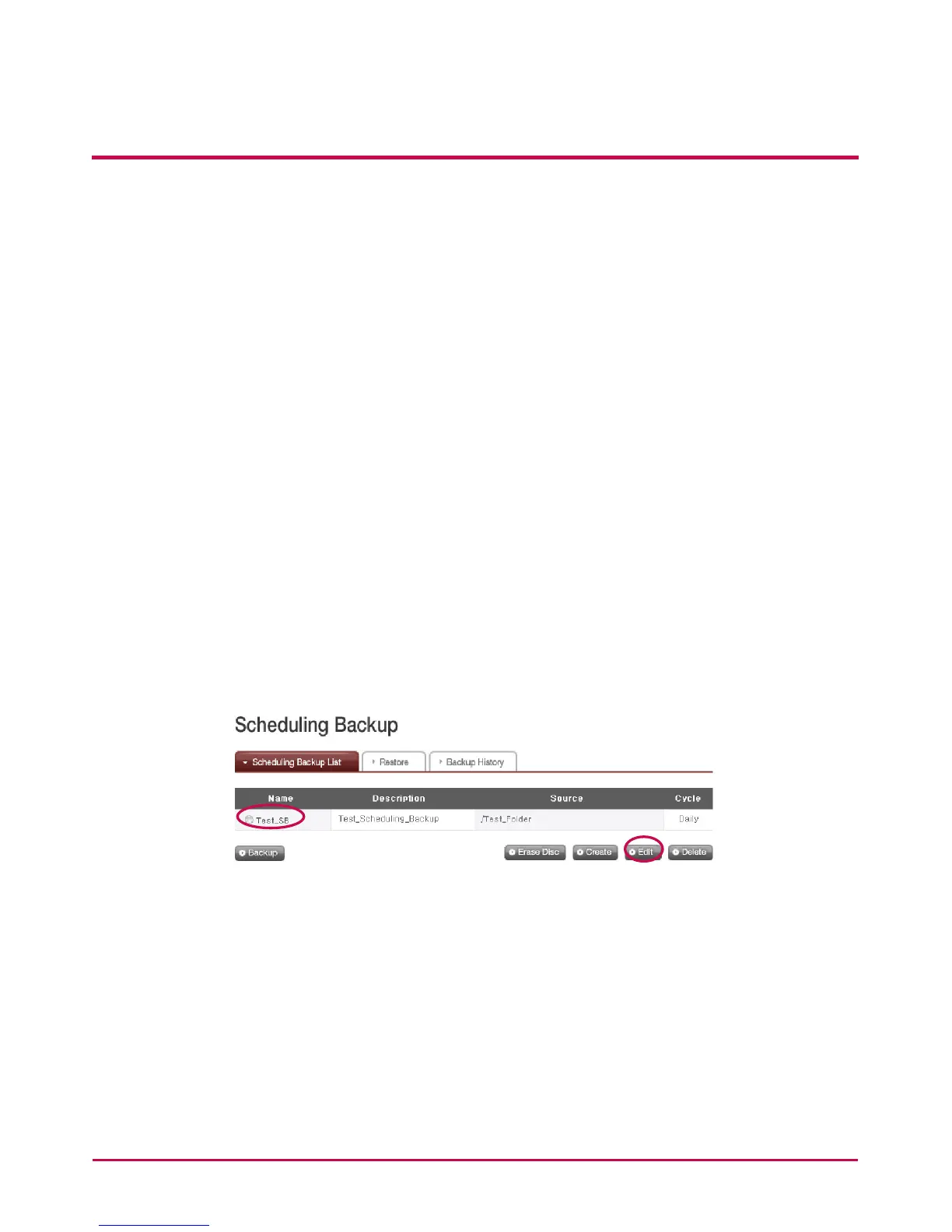
<Edit a Backup Schedule>
Select a backup schedule to be edited from the backup schedule list and click the ‘Edit’
button or the name of backup schedule to change the details.



 To Next Page