Installation Guide
Fix the camera on the Mounting bracket
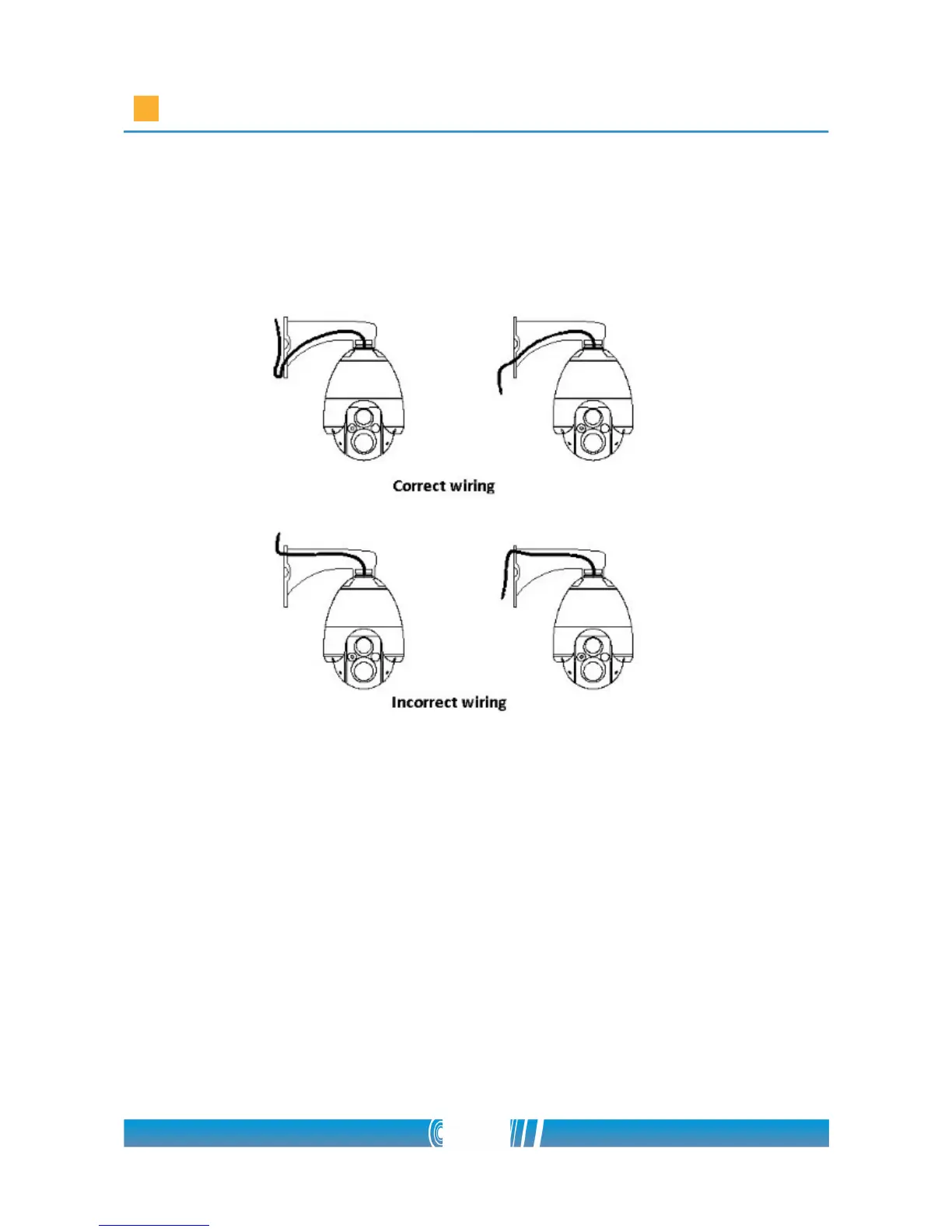
• At first lead the cables of the camera through the mounting bracket!
• Place the mounting bracket to the connecting part of the case on the
top. The connecting part of the case is designed with an edge on it. The
three tightening screws of the mounting bracket will hold tight the
camera by this edge.
• Beware not to damage the cables while placing the mounting bracket on
the PTZ camera! Tighten the screws of the mounting bracket! Use a
Phillips screwdriver!
• Mount the bracket on the surface using four 8x100 coach screws! Use a
pipe wrench to tighten the screws!
22/80



 To Next Page