Installation Guide
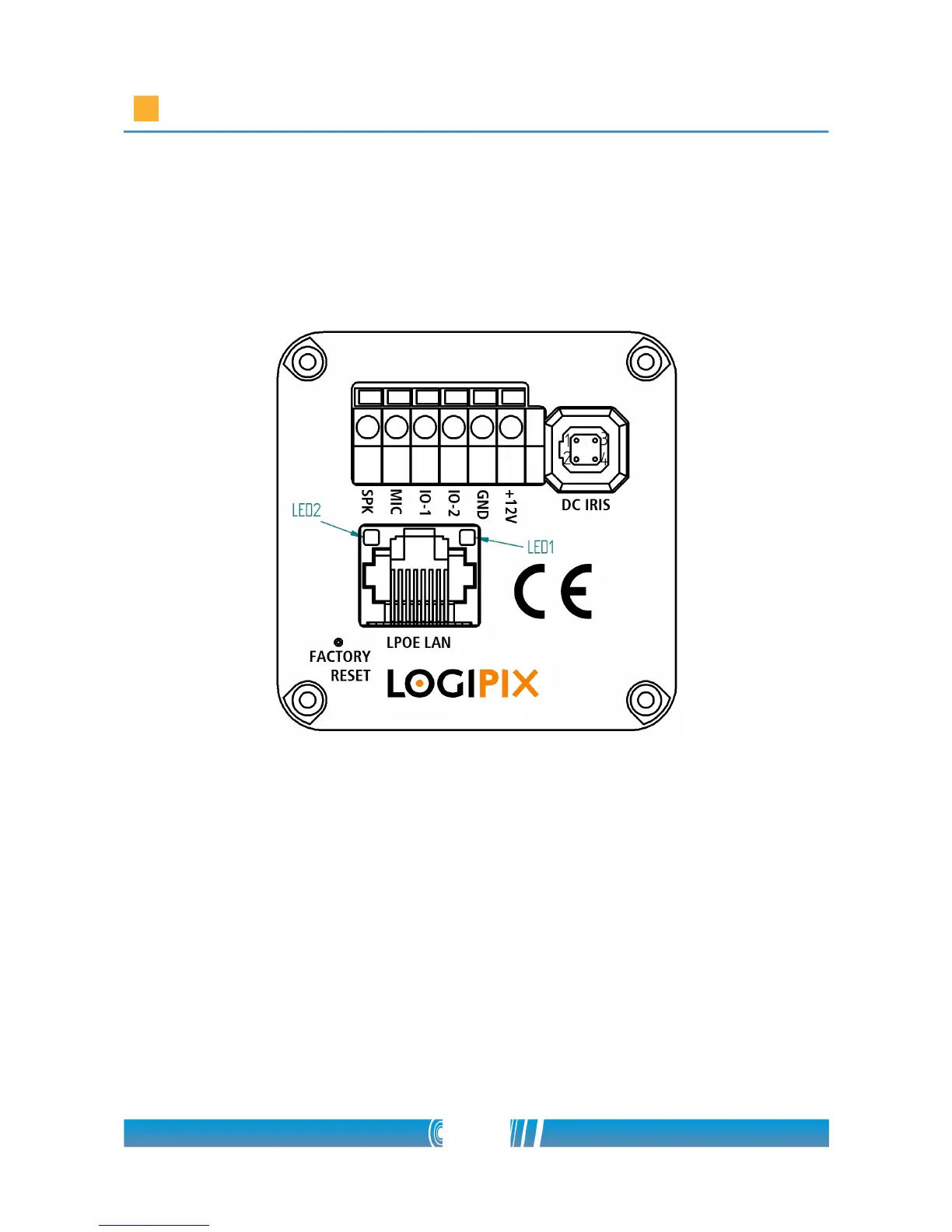
through the cable gland of the camera enclosure and connect it to the two-pin
power connector of the camera (GND and +12V phase). The spring connectors
can be found at the back of the camera. Use a screwdriver to push in the
orange colored plastic spring lifter, connect the wires then release the spring
lifter!
Setting the fix cameras' final position
• Connect the cameras' CAT5 cables to the installed Local Network
Switches!
• Practically use a laptop with a Windows operating system at every point,
where a group of fix cameras are installed, to perform their settings!
• Install the free SCPlayer software on the laptop! You can find the
software on the installation CD. Open the SCPlayer folder and start the
scplayer_install.exe installation wizard! Click on Next after you've read
the welcome message! Browse the destination folder of the program!
Continue with the next window! You can create a Start Menu folder if
9/80



 To Next Page